First-Time Setup in Your Browser
This guide walks you through the very first setup of SSH Teams using your web browser.
Open the setup page at:
https://<hostname>/setup
If you visit the main address (https://<hostname>/) and no team exists yet, you will be redirected to the setup page automatically.
Before You Begin
Make sure you have:
- A working SSH Teams instance reachable over HTTPS.
- A browser that can reach the server.
- An email address and strong password ready for the first admin account.
What You’ll See
The first time you open the app, you’ll see the Create Your Team form.
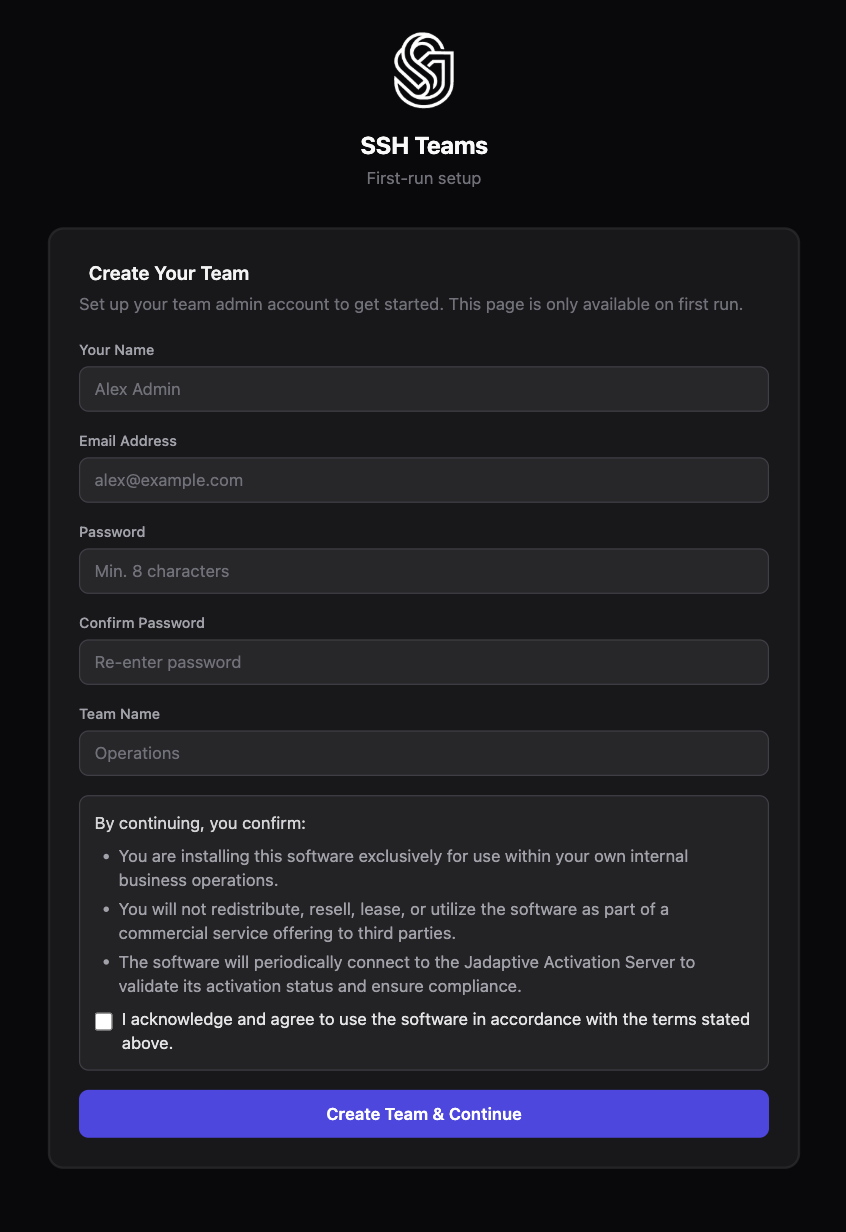
If you see the login page instead, a team has already been created and setup is complete.
Create Your Team and First Admin
Fill in the form with the following information:
- Your Name — the display name for the first administrator.
- Email Address — the login email for the admin account. Use a shared or transferable work email if possible.
- Password — a strong password. A password manager is the best place to keep it.
- Confirm Password — re-enter the password to catch typos.
- Team Name — the name of your team or organization. Pick something stable.
- Check the terms checkbox.
- Click Create Team & Continue.
Once the form is submitted:
- Your team is created.
- The first admin account is created.
- You are taken into the main app.
Terms and Licensing
During setup you will be asked to accept the usage terms. The key points are:
- This is for your organization’s internal use.
- You cannot redistribute or resell it.
- The app may occasionally check in with Jadaptive activation services.
Setup cannot continue until you check the terms box. For production, make sure the right person in your organization approves this step.
After Setup
Once setup is finished:
- You will leave the setup page.
- The main address will now show the login page.
- You can log in with the email and password you just created.
Quick checks:
- Can you log in?
- Does the dashboard load?
- Can you see the administration section?
If Setup Doesn’t Go as Planned
Here are the most common issues and how to fix them:
-
Passwords do not match.
- Make sure the password and confirm password fields are identical.
-
Terms checkbox is not checked.
- Check the box and try again.
-
You see the login page instead of setup.
- The app is already initialized. Log in with existing admin credentials, or start fresh with a clean data folder if this is a test environment.
-
The page looks broken or unstyled.
- Check that your reverse proxy or firewall is not blocking stylesheets and images.
-
Browser warns about the certificate.
- For production, install a trusted TLS certificate. For testing, you may need to accept the warning temporarily.
Starting Over in a Test Environment
In Docker, the first-run state is stored in your mounted data folder. To run setup again, start the container with a fresh, empty data folder.
Logging In for the First Time
After setup, go to:
https://<hostname>/login
Use the admin email and password you created during setup.
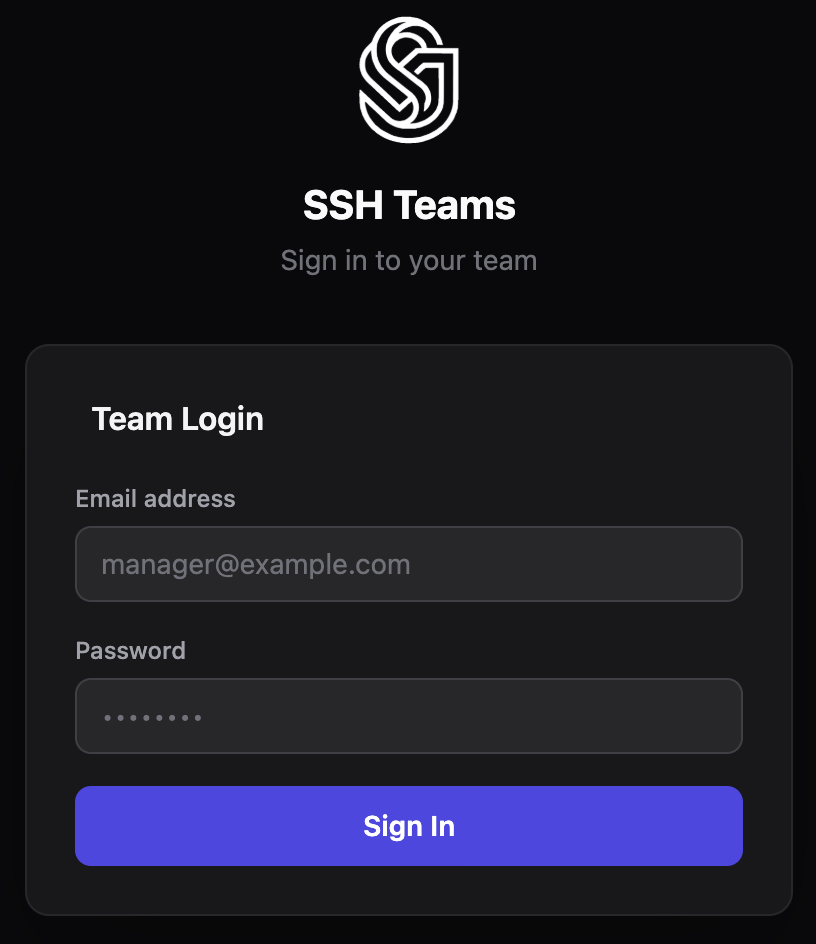
If login fails, double-check your password and make sure caps lock is off.