15 Web User Interface
Use the Athene Web User Interface when you want a guided, browser-first workflow for operators who are onboarding or performing occasional repository administration.
This chapter covers the UI paths linked from each chapter's "Other Ways to ..." section.
15.1 Prerequisites
- Running Athene server reachable in a browser.
- Valid login credentials.
15.2 Quick Start
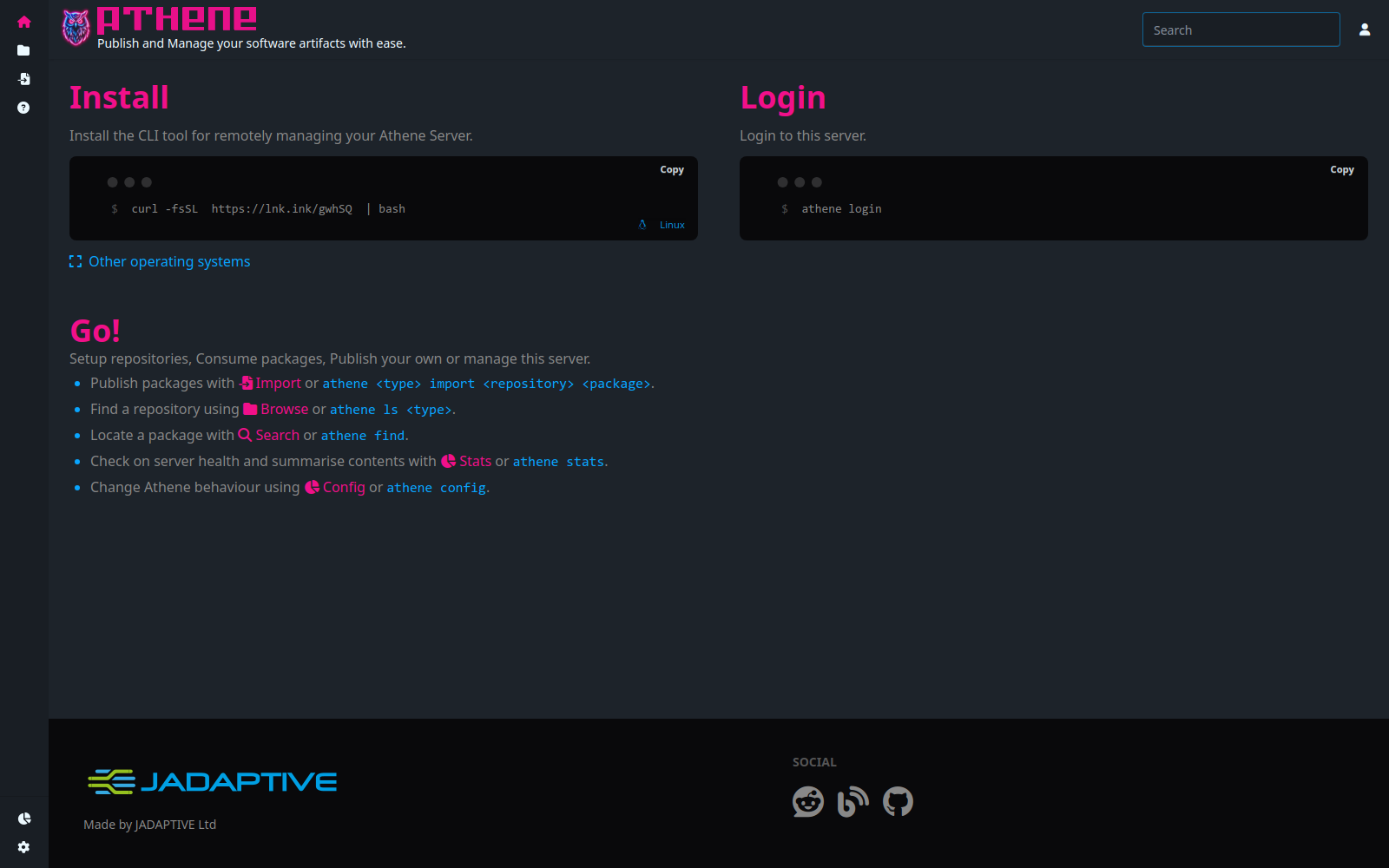
- Open the Athene server in your browser.
- Log in with an account that can manage repositories.
- Use Browse, Import, Tokens, and Configuration from the top navigation.
15.3 Create Repository
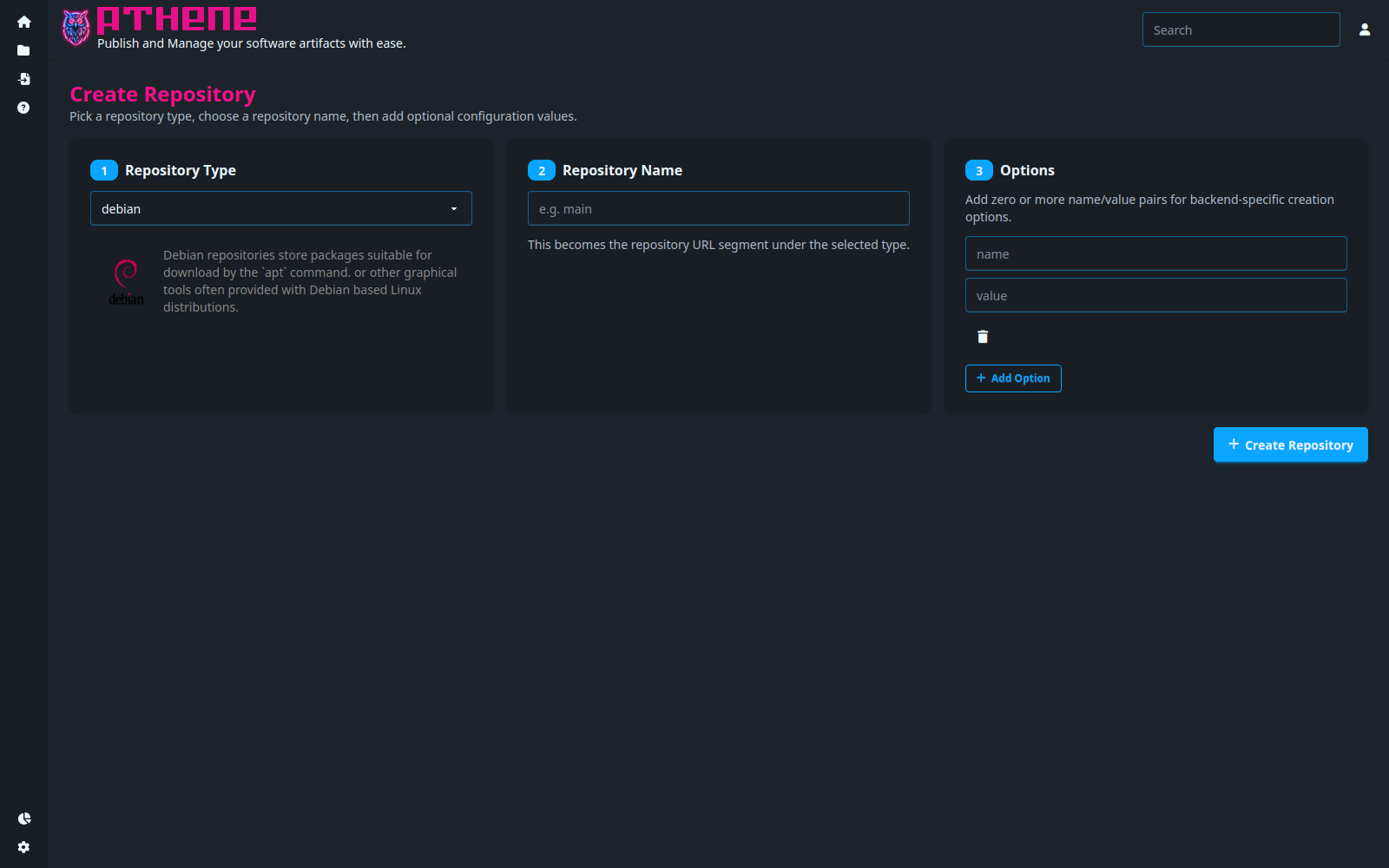
Use Create when you need to add a new repository through the browser:
- Open Browse (
/r). - Click Create.
- Select repository type, enter repository name, then submit.
15.4 Import and Publish Packages
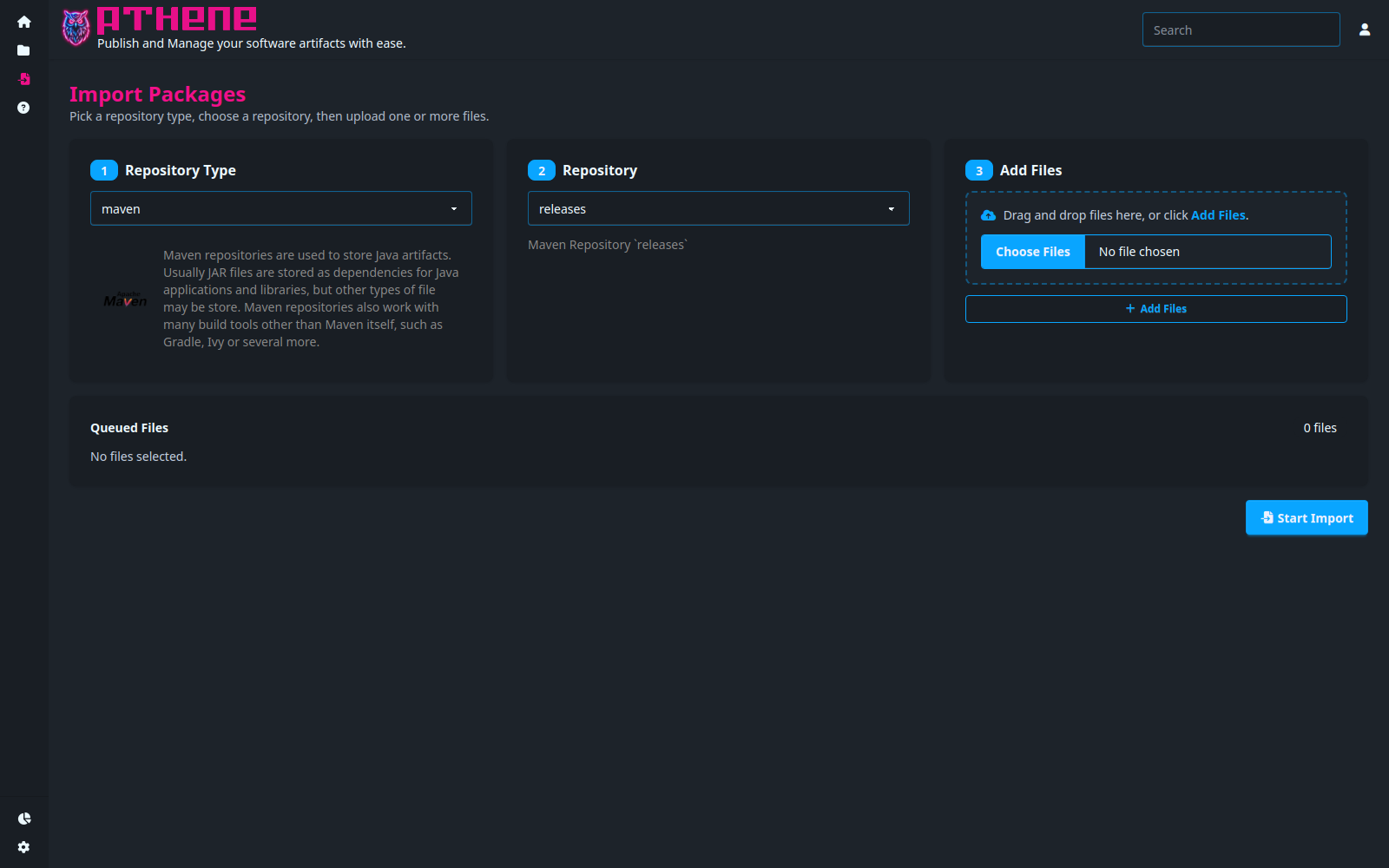
Use Import when you need an interactive upload path:
- Open Import from the top navigation.
- Select repository type/repository and upload package files.
- Submit and verify the package appears in Browse.
15.5 Browse and Search Repositories
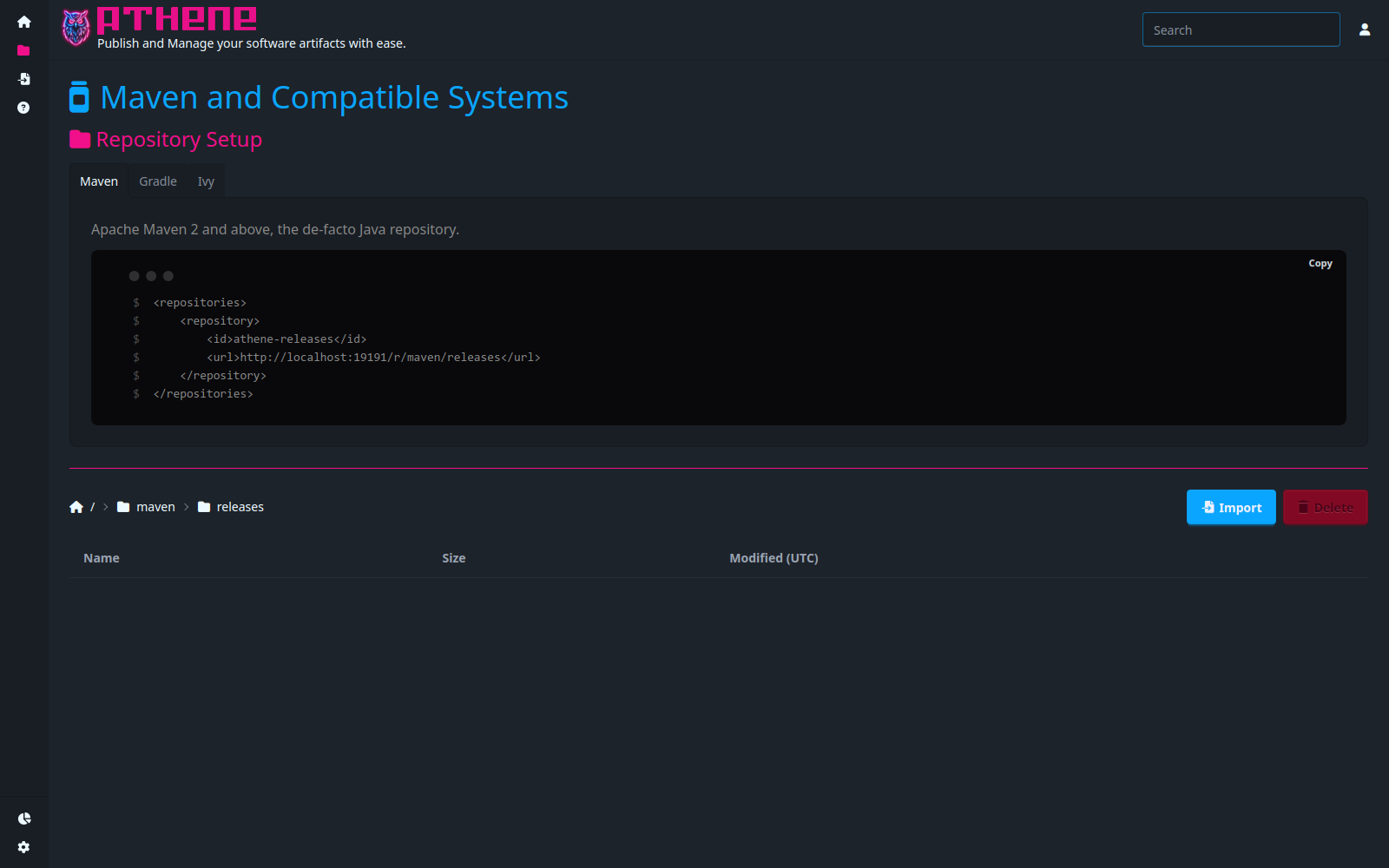
Use Browse to inspect repository content and copy consumer paths/commands:
- Open Browse (
/r). - Navigate into type and repository paths.
- Use the copy actions for consumer setup snippets where available.
15.5.1 Package Browser - Type Browser (/p)
Use Package Browser to start package-centric navigation from repository types.
Placeholder: add screenshot and walkthrough for type cards.

15.5.2 Package Browser - Repository Browser (/p/<type>)
After selecting a type, choose a repository to browse package namespaces.
Placeholder: add screenshot and walkthrough for repository cards.

15.5.3 Package Browser - Namespace Browser (/p/<type>/<repository>/...)
Use namespace browsing to move through nested package namespaces and package lists.
Placeholder: add screenshot and walkthrough for namespace + package list page.

15.5.4 Package Browser - Package Page (/p/<type>/<repository>/.../<package>[/<version>])
Open a package to view the latest version or a specific version, plus available metadata and download action.
Placeholder: add screenshot and walkthrough for package detail page.

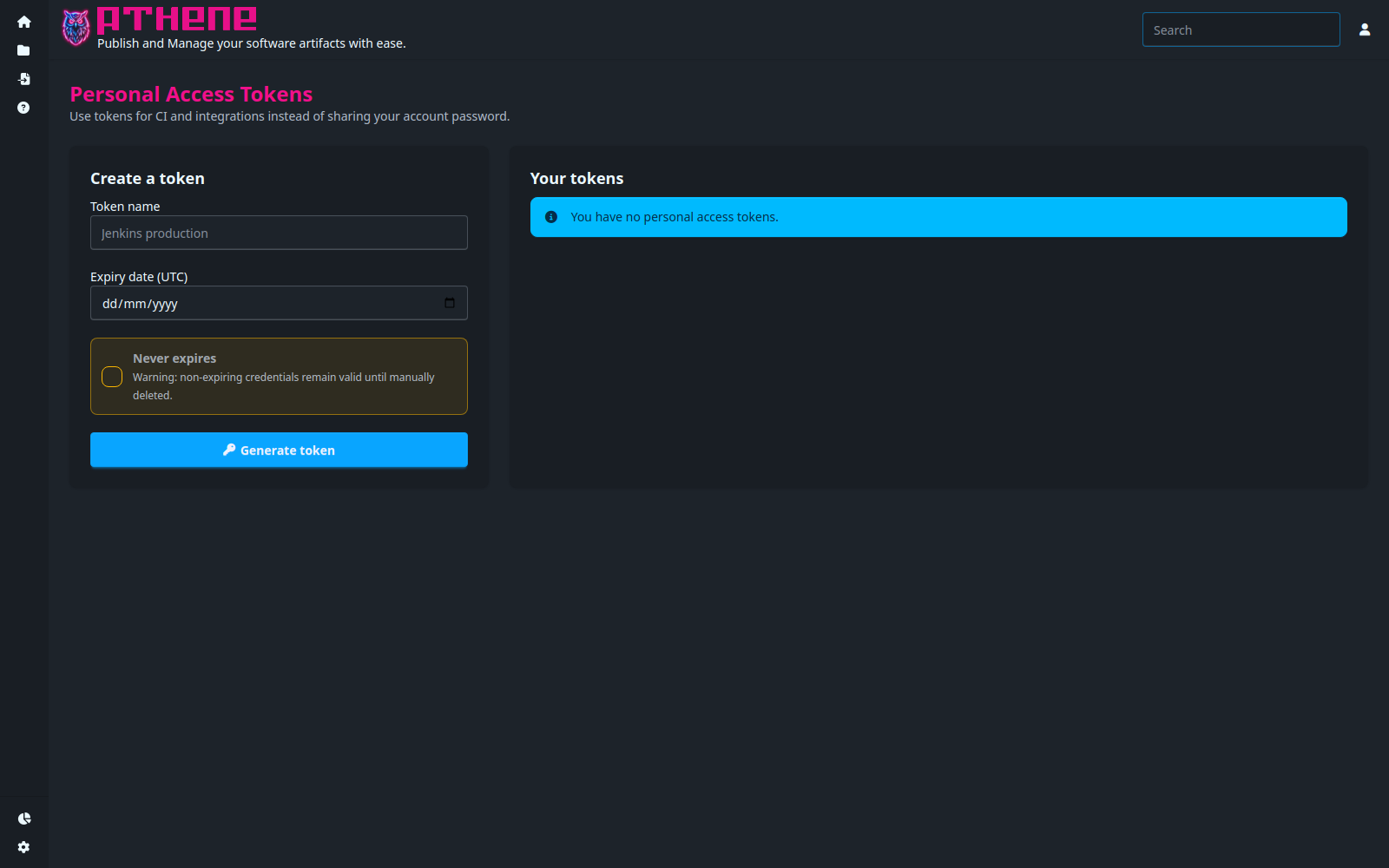
15.6 Create a Personal Access Token
Use the token workflow when an operator needs to generate or revoke tokens interactively:
- Open User menu -> Tokens.
- Enter a token name and choose an expiry date (or choose Never expires).
- Click Generate token and copy the one-time
<username>:<token>value immediately. - Confirm the token appears in the token list and store it in your secret manager.
15.7 Sync, Export, and Distribution
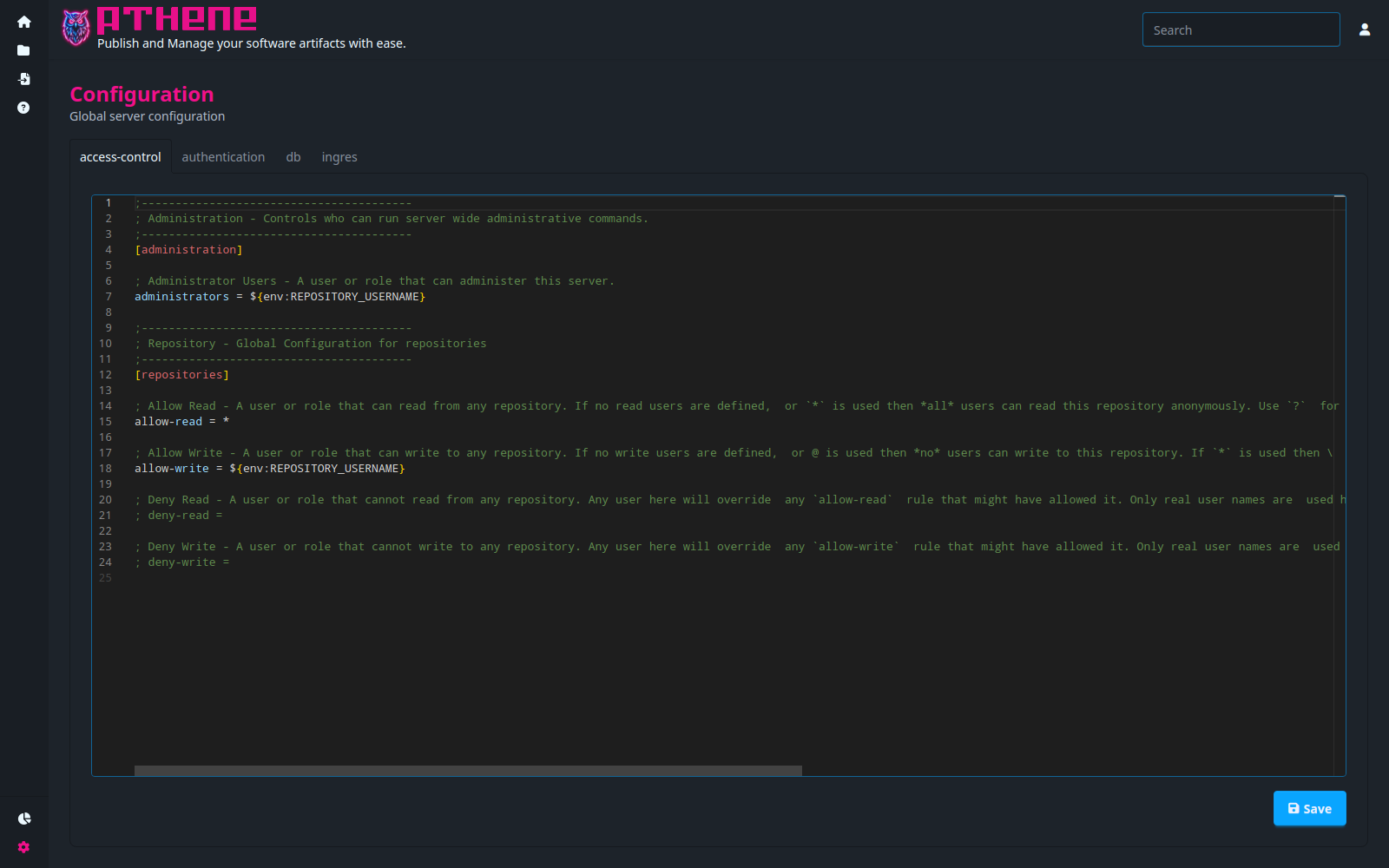
Use the Web UI configuration flow to edit server-side settings used by sync operations:
- Open Configuration.
- Edit the repository filesystem target configuration (
local,sftp, ors3) for your workflow. - Save, then run sync from your normal repository operation flow.
15.8 Login Page
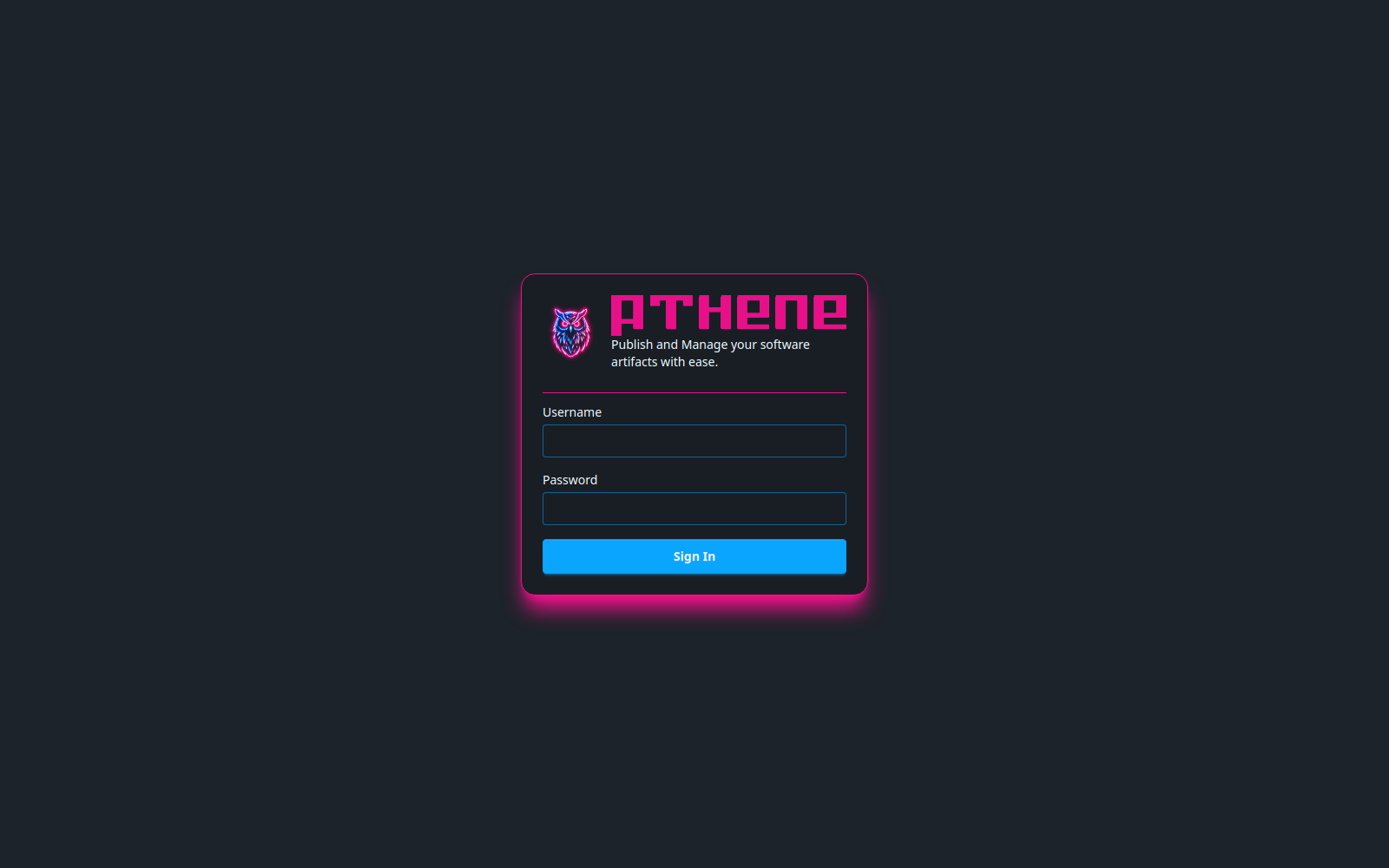
Use the login page for interactive sign-in and redirect-based workflows:
- Open
/logindirectly, or get redirected there from a protected page. - Enter username/password.
- Sign in and confirm you are returned to the target page.
Tip
Use the CLI chapters when you need scripted or repeatable automation workflows.
Next chapter: 16 Security and Compliance.