Dashboard and Monitoring
Use the dashboard as an operational inspection point. Review certificate state, expiry signals, and search results before taking an issuance or lifecycle action.
Review certificate overview
Start with the certificate overview to confirm that the expected authority and leaf objects are present and that the service is operating normally.
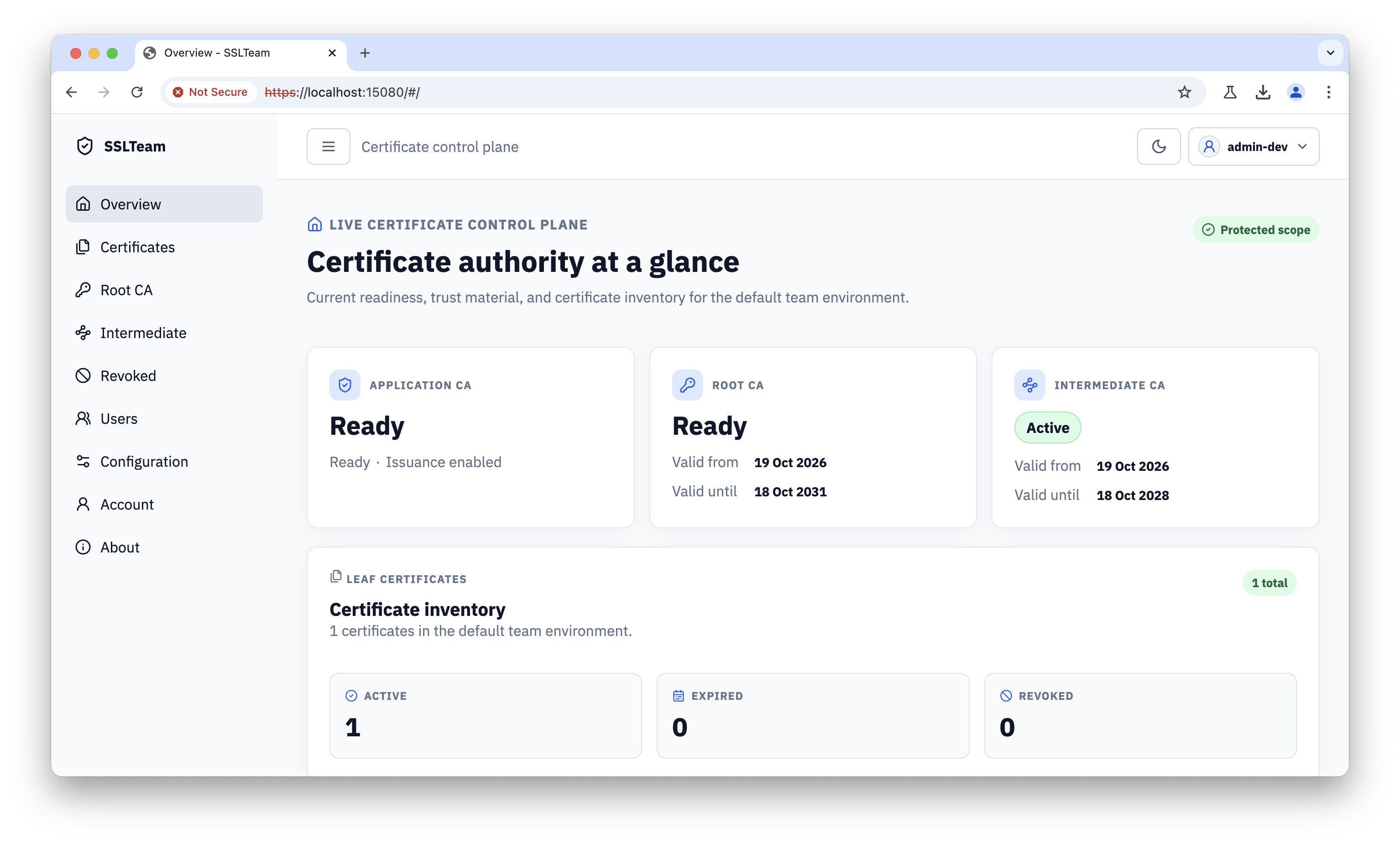
Use the status view to find certificates approaching expiry, already expired, or otherwise requiring attention. Treat these entries as an investigation queue, not as automatic approval for renewal.
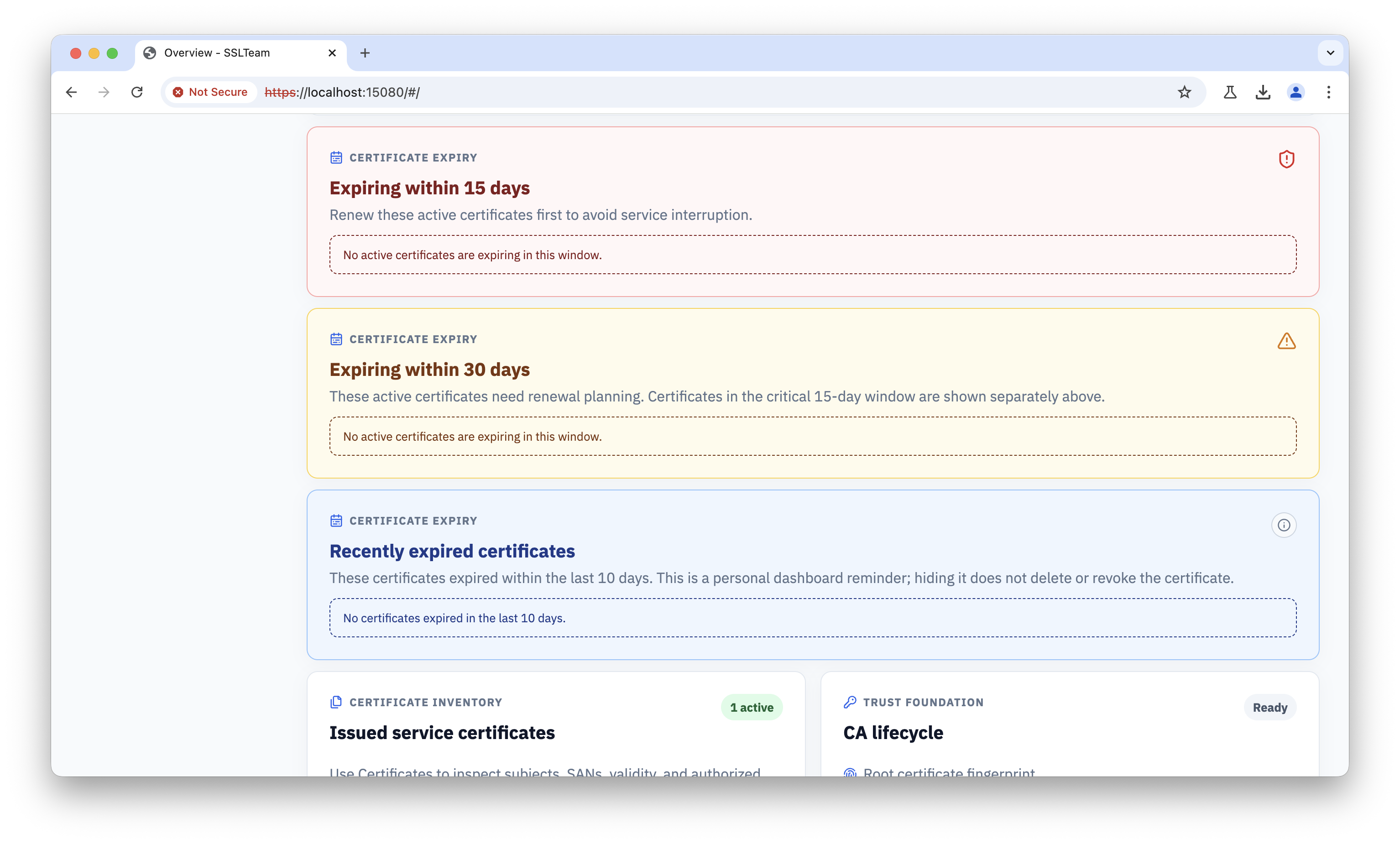
Search and validate certificate records
Use the certificate search and filters to locate one certificate by identity or lifecycle state. Before distributing or revoking a certificate, compare its subject, SANs, issuer, validity, and current state with the service configuration.
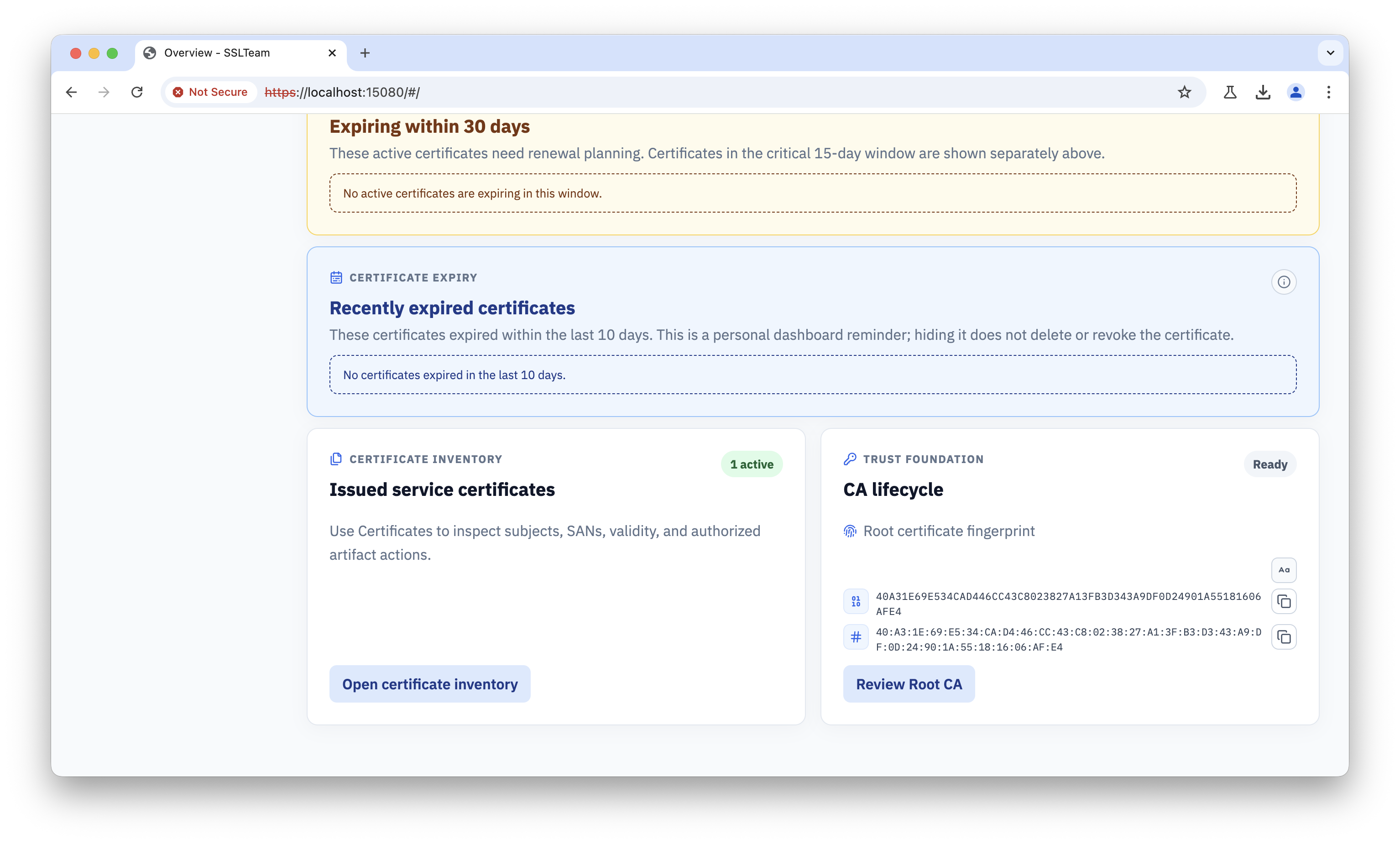
When investigating a trust failure, compare the certificate identity and lifecycle state with the service configuration and client trust store. A valid-looking certificate can still fail if its issuer is not trusted or if it has been revoked. Use the dedicated lifecycle page for the revocation evidence view and action workflow.