Certificate Lifecycle Actions
Retirement and revocation have different meanings. Choose the action that matches the operational intent, review the confirmation text, and record the reason for the change.
| Certificate | Retire | Revoke |
|---|---|---|
| Root | Planned end-of-life or controlled replacement | Security incident or compromise response; affects the trust hierarchy |
| Intermediate | Planned replacement while preserving an orderly CA lifecycle | Compromise or urgent invalidation of the issuing authority |
| Leaf | Normally managed through expiry or replacement rather than retirement | Invalidates one issued identity when it must no longer be trusted |
Root actions
Use Root retirement for a planned lifecycle transition, such as replacing an authority under a controlled migration. Use Root revocation for an incident or compromise response. Both actions set the family status to RETIRED, so the Root detail record and audit history must be used to distinguish them: retiredAt identifies planned retirement and revokedAt identifies security revocation.
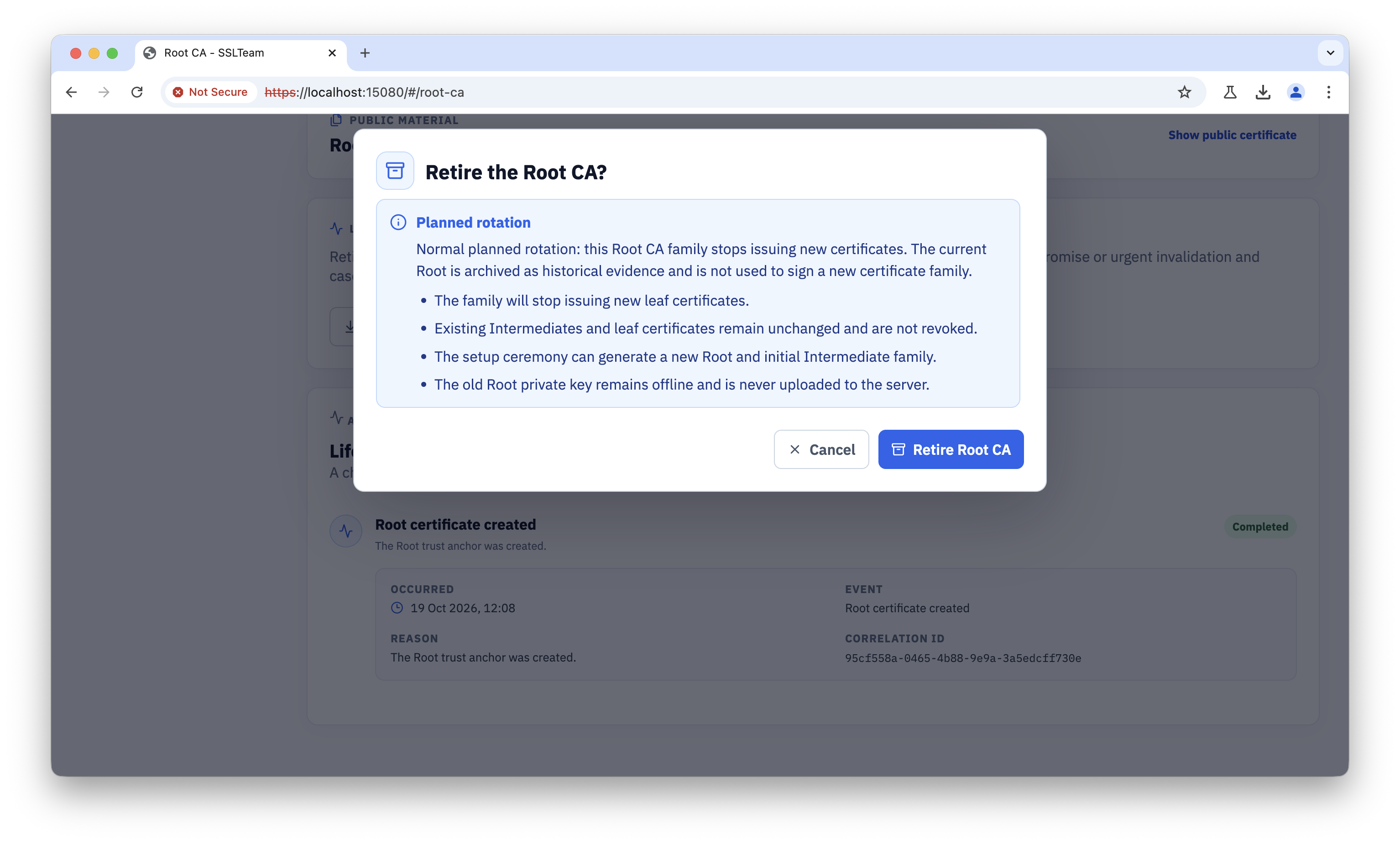
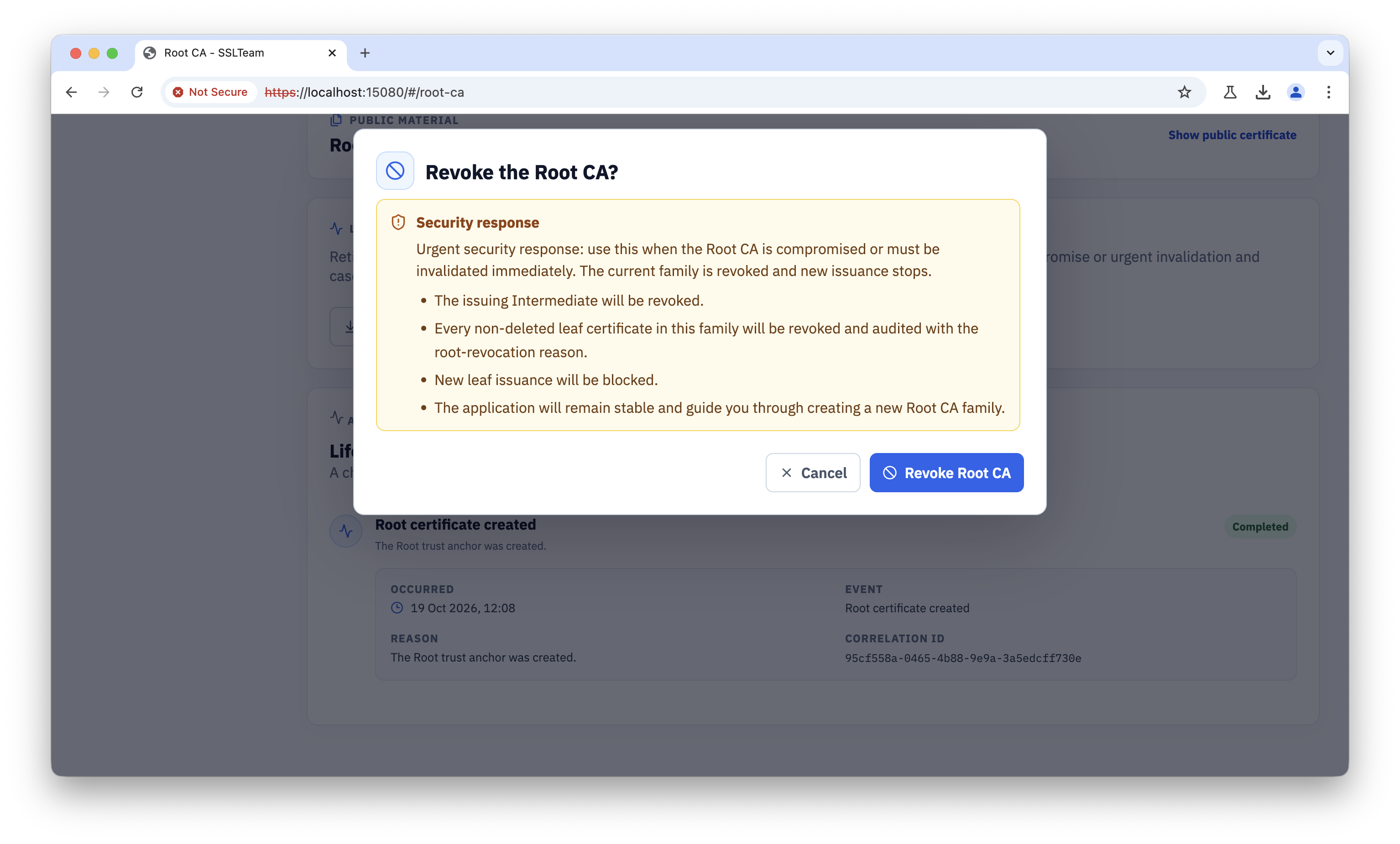
Root retirement stops new leaf issuance, archives the Root with its retirement time and reason, and leaves existing Intermediate and leaf certificates unchanged. Root revocation stops issuance, revokes the issuing Intermediate, and revokes every non-deleted descendant leaf; each revocation is retained in certificate history and audit evidence with the Root revocation reason. Neither action reactivates the old family. Use the setup ceremony to create a new PKI family, then distribute its public Root and replace affected leaves as required.
Intermediate actions
Use Intermediate retirement when replacing an issuing authority in an orderly way. Use Intermediate revocation when the issuing authority must be invalidated urgently. Retirement marks the Intermediate RETIRED and the family DEGRADED; existing leaves are unchanged. Revocation marks the Intermediate and every non-deleted descendant leaf REVOKED, retains individual audit evidence, and leaves the family DEGRADED until a replacement Intermediate is activated.
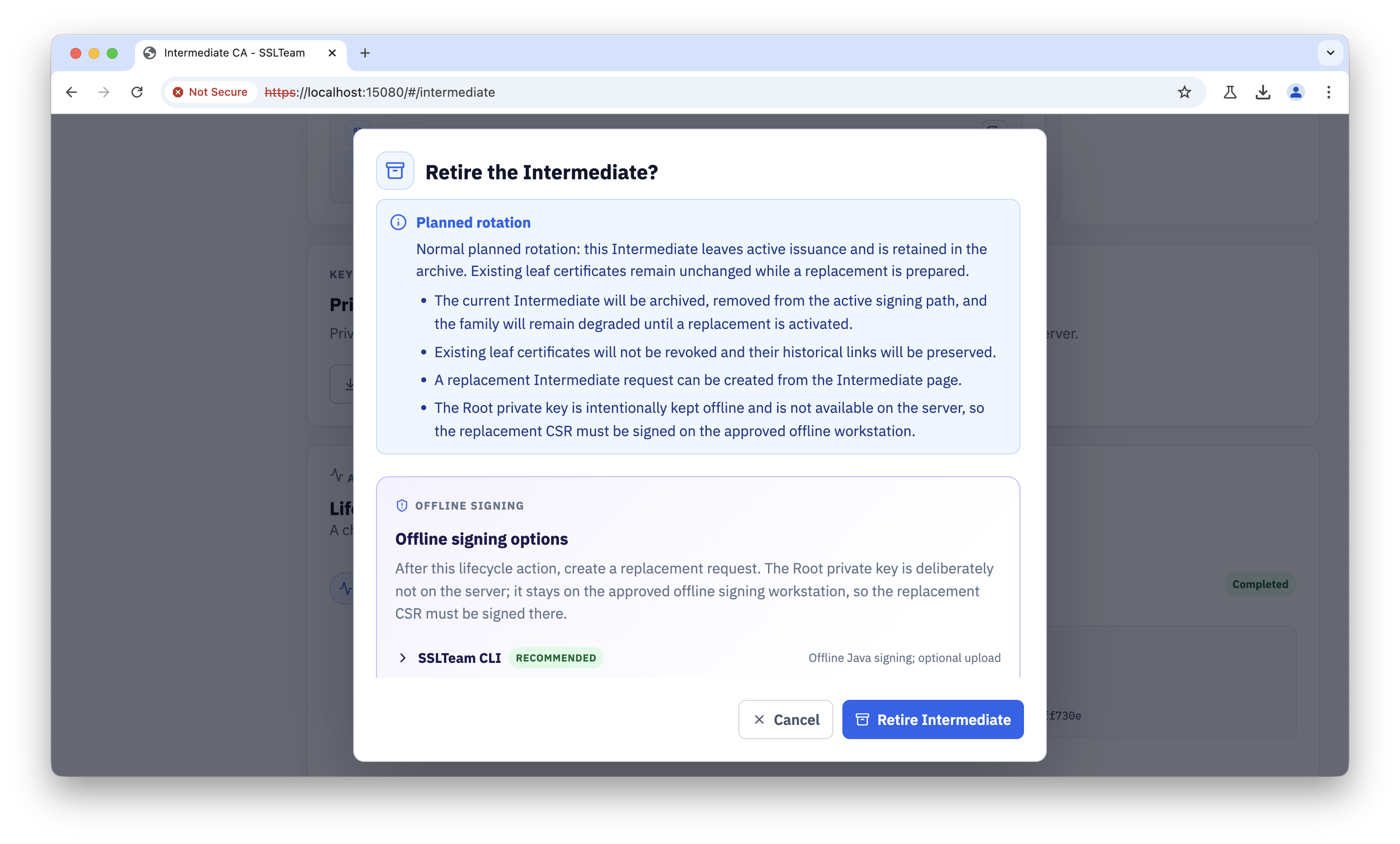
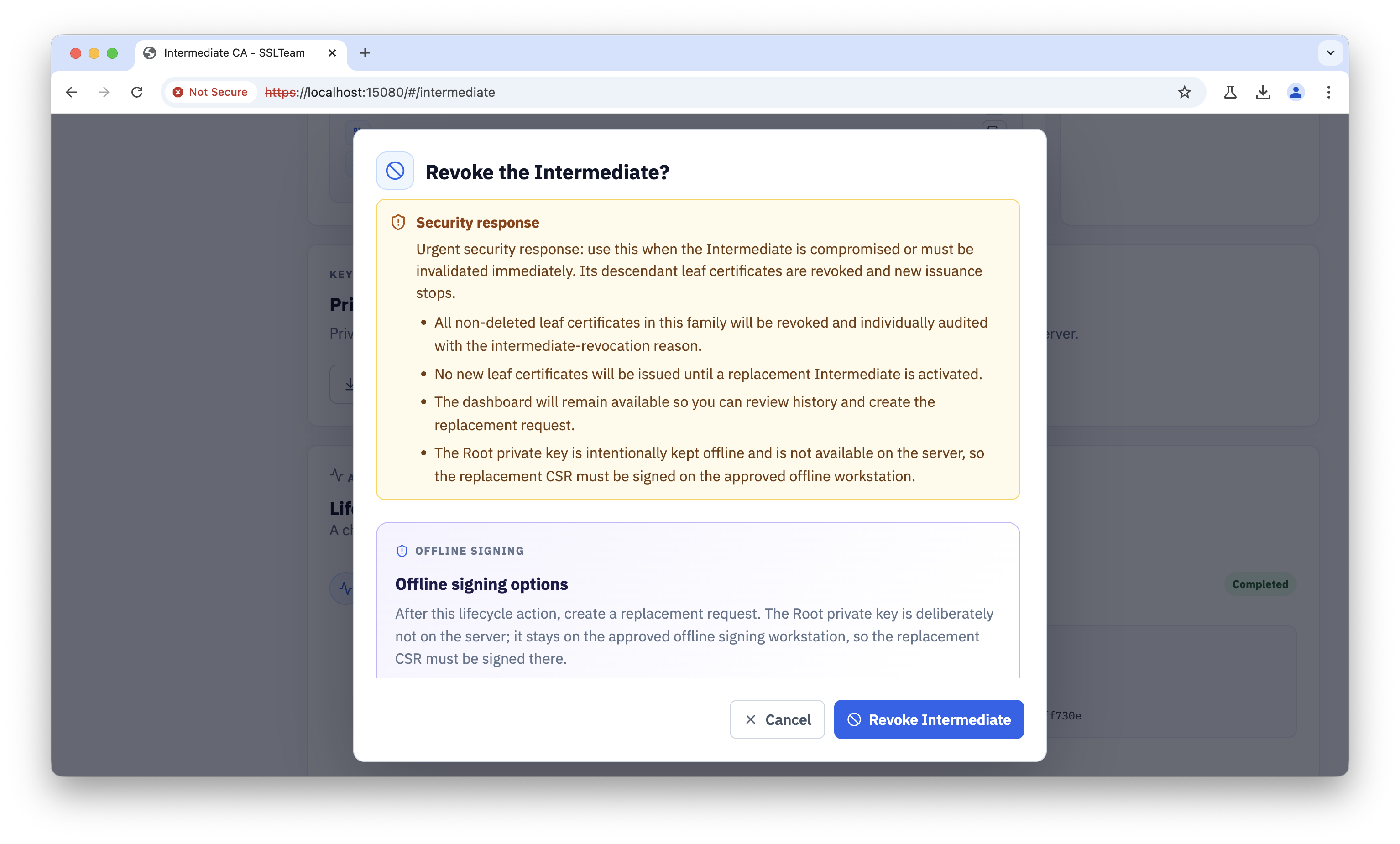
Review active leaves and dependent services before taking an Intermediate action. After retirement, create and activate a replacement Intermediate through the signed CSR workflow. After revocation, issuance remains blocked until replacement activation, and affected services must move to replacement leaves. Historical Intermediate and leaf records remain available for inventory and audit.
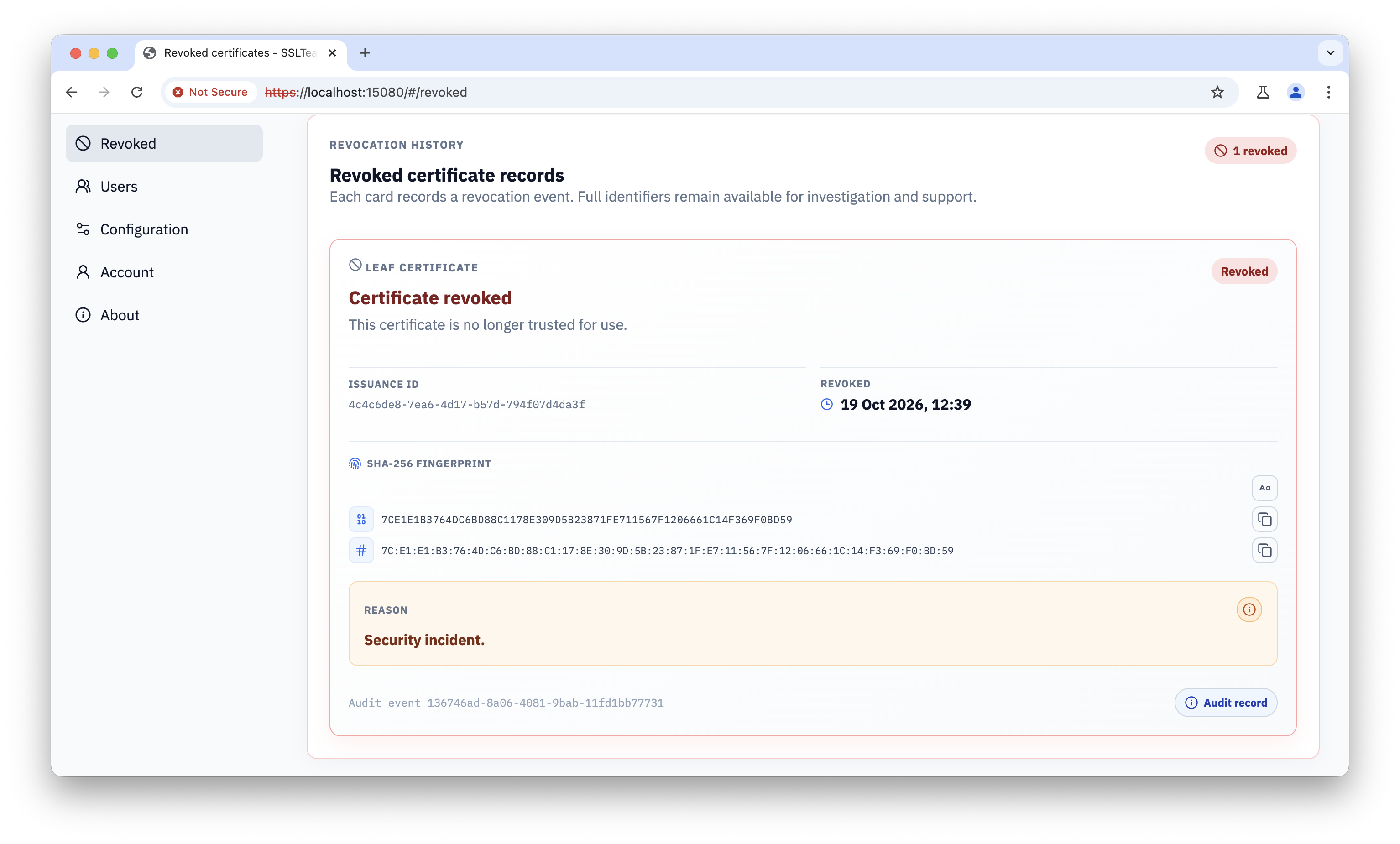
Leaf revocation
Revoke a leaf when its private key may be exposed, its identity is no longer authorized, or the certificate was issued with incorrect details.
Open the leaf certificate's revoke action and verify the identity before confirming.
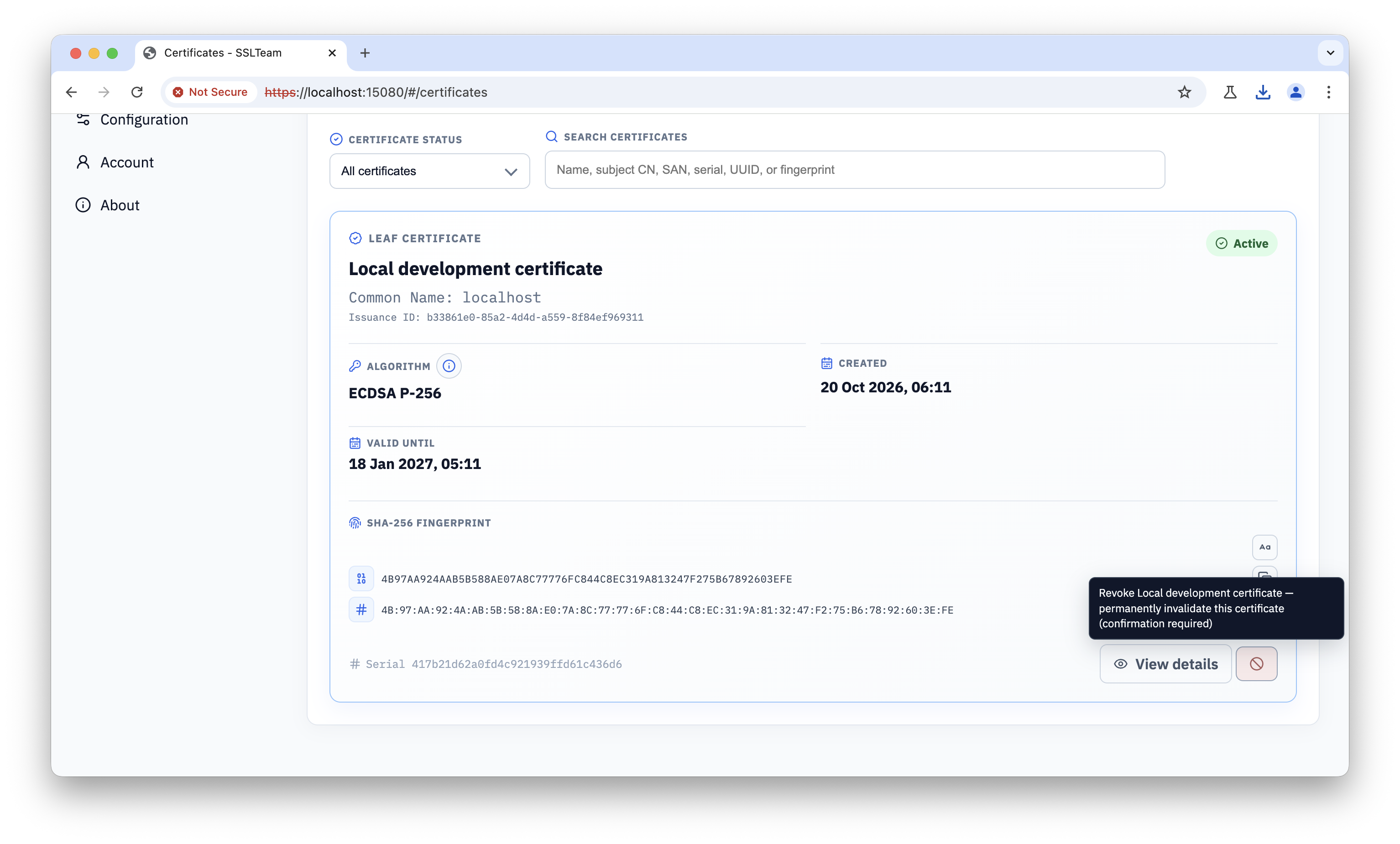
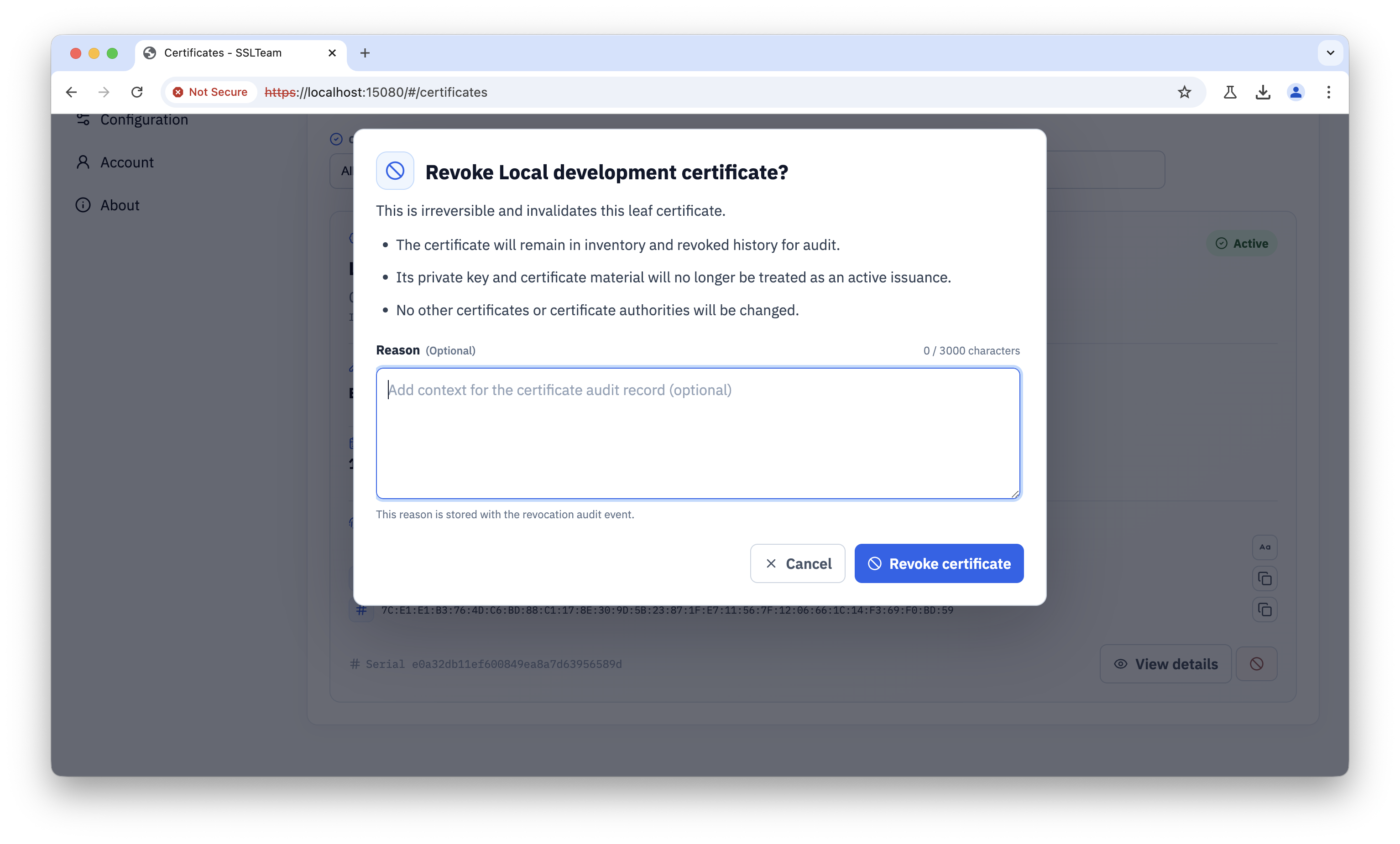
After revocation, remove the certificate from the affected service, issue a replacement when needed, and confirm that the replacement uses the correct SANs and trust chain. Record the reason, operator, and change reference for audit purposes.