Bootstrap and CA Setup
This section establishes administrator access and creates the application certificate-authority hierarchy. Complete it before issuing leaf certificates.
Protect the bootstrap ceremony
Use the bootstrap account only for initial setup and emergency administration. Store generated passwords and Root backup material in approved secure locations, and keep the Root private key offline whenever it is not required.
Sign in and change the bootstrap password
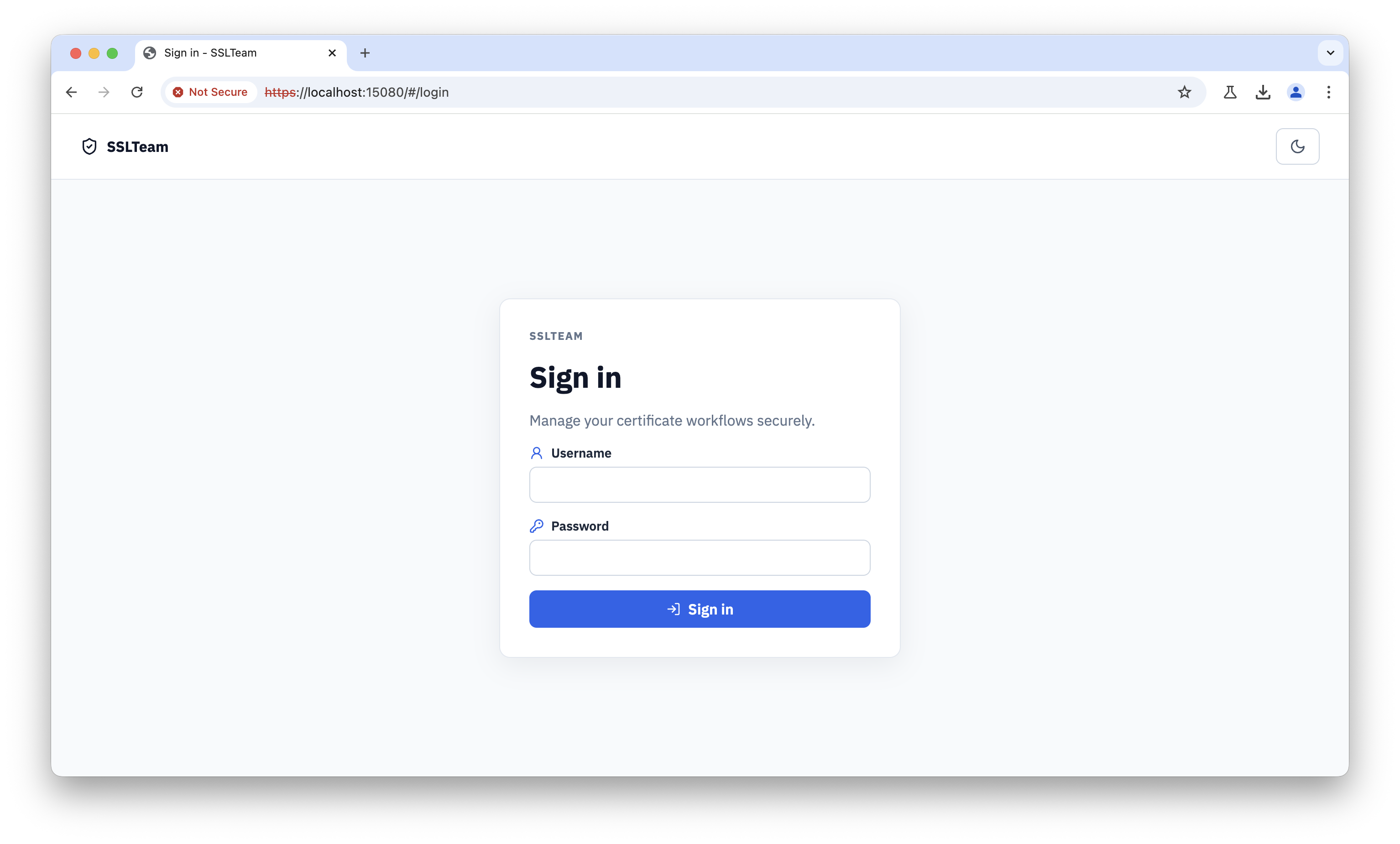
Open the SSL Teams HTTPS address and sign in with the bootstrap administrator credentials.
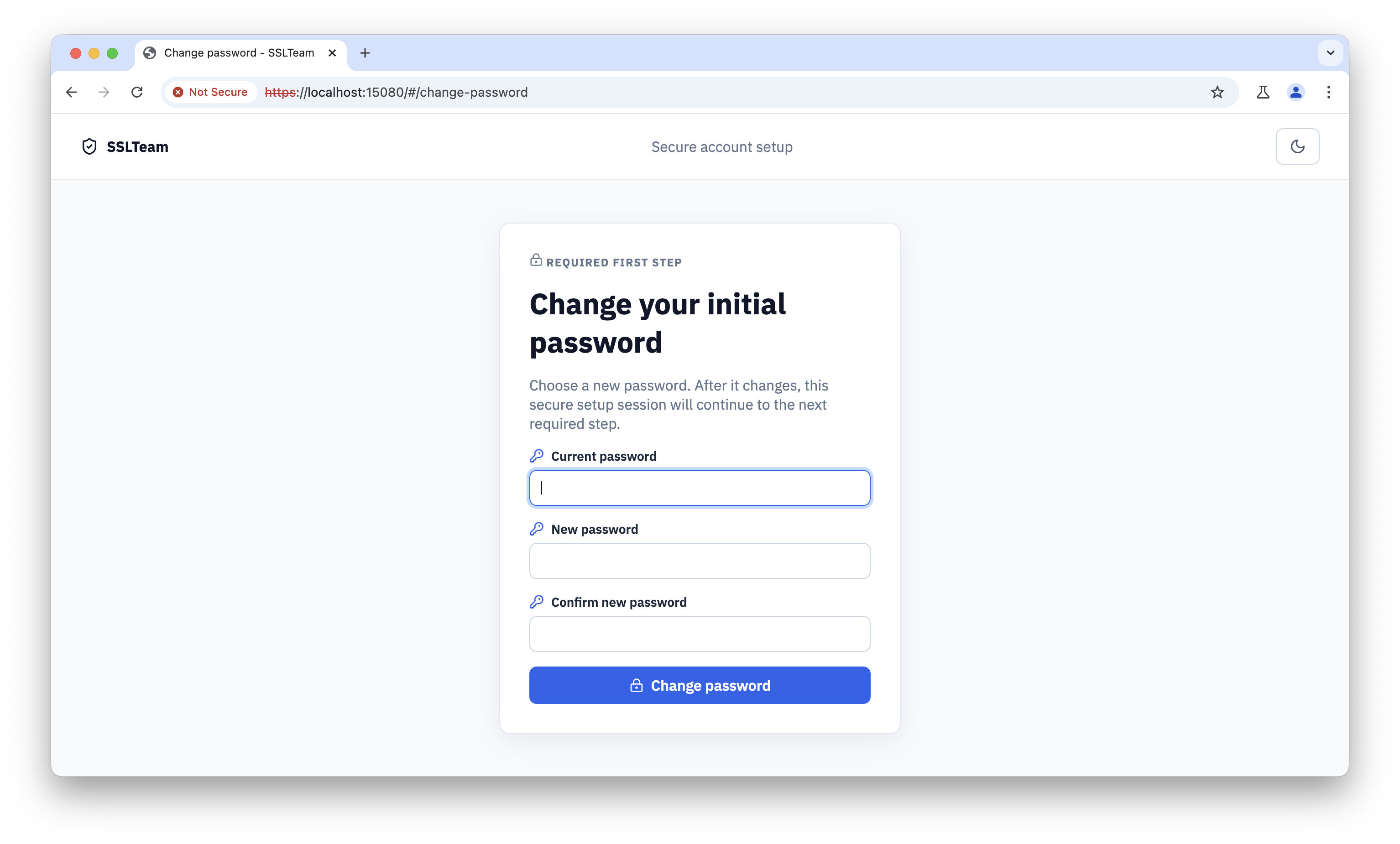
Change the initial password immediately. Store the replacement in the approved password manager and do not reuse it for another account. The same screen appears when you approve a CLI sign-in with a temporary password: changing the password there also approves the CLI request.
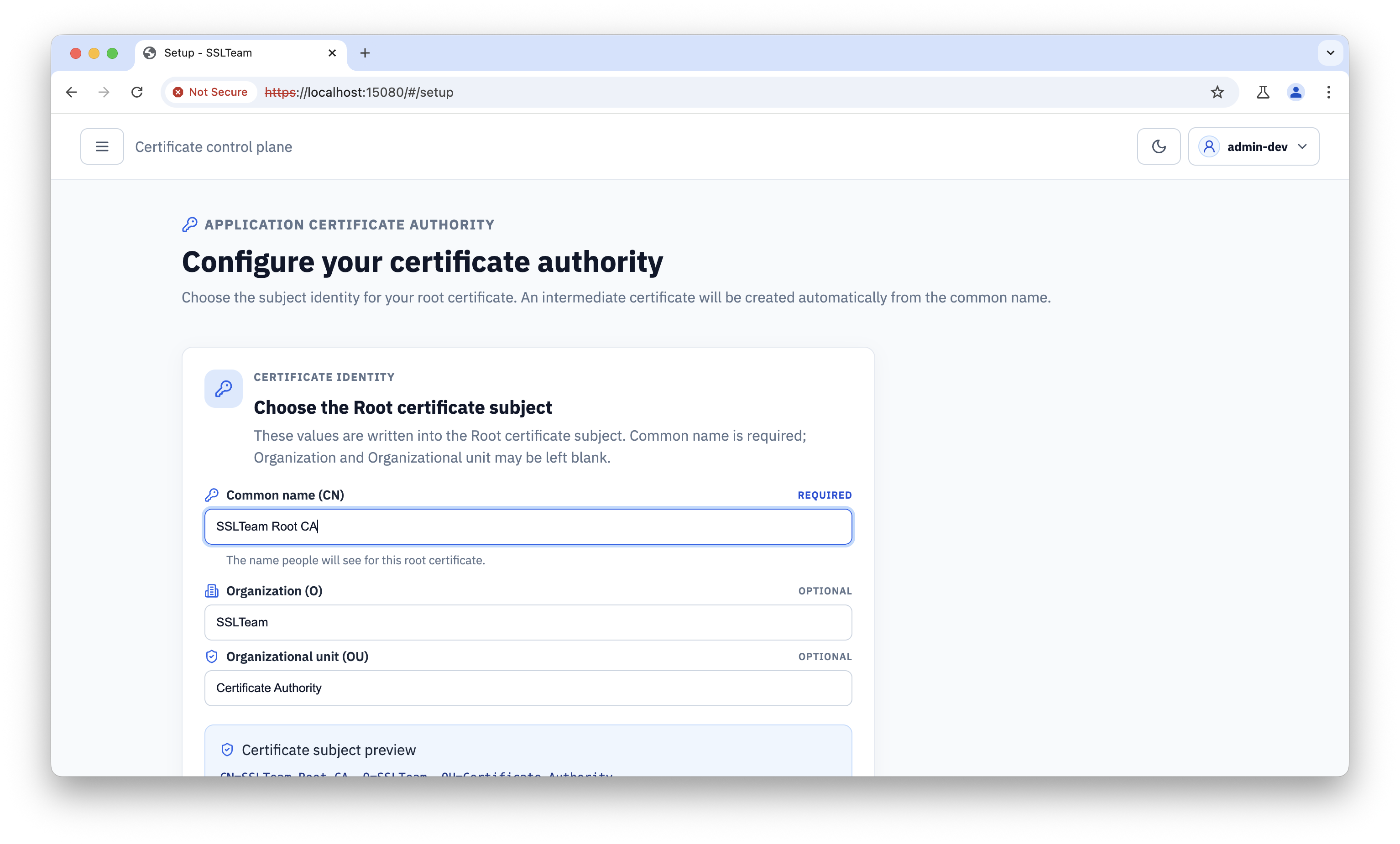
Configure the application Root
Enter a stable Root subject and identity. The Root is long-lived and its public certificate is distributed to trust stores, so avoid names that depend on a temporary host or deployment.
Review the validity and key settings before creating the authority. Confirm that the lifetime matches the intended operating and rotation plan.
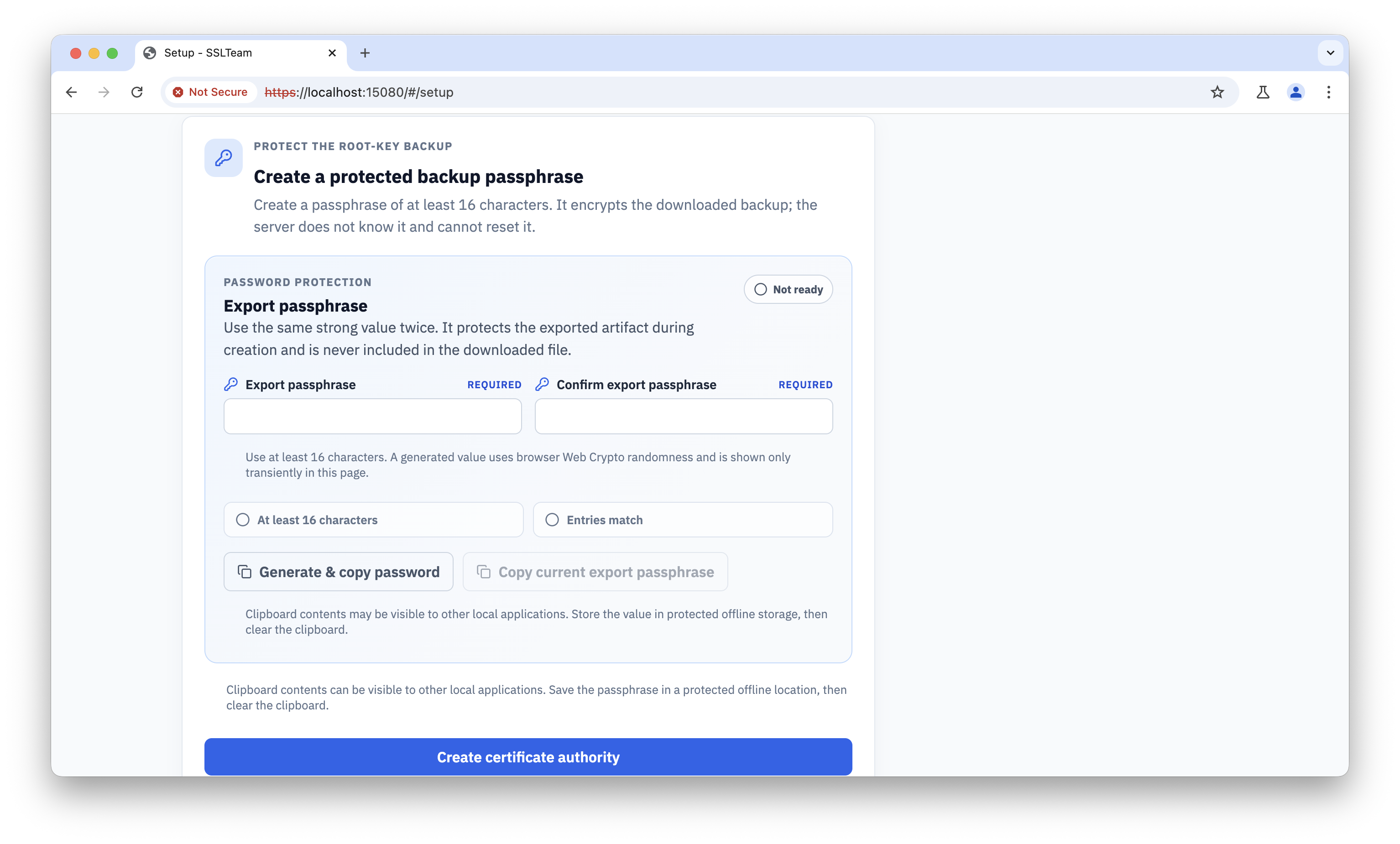
Set the Root protection password separately from ordinary user credentials. This password protects Root private-key operations.
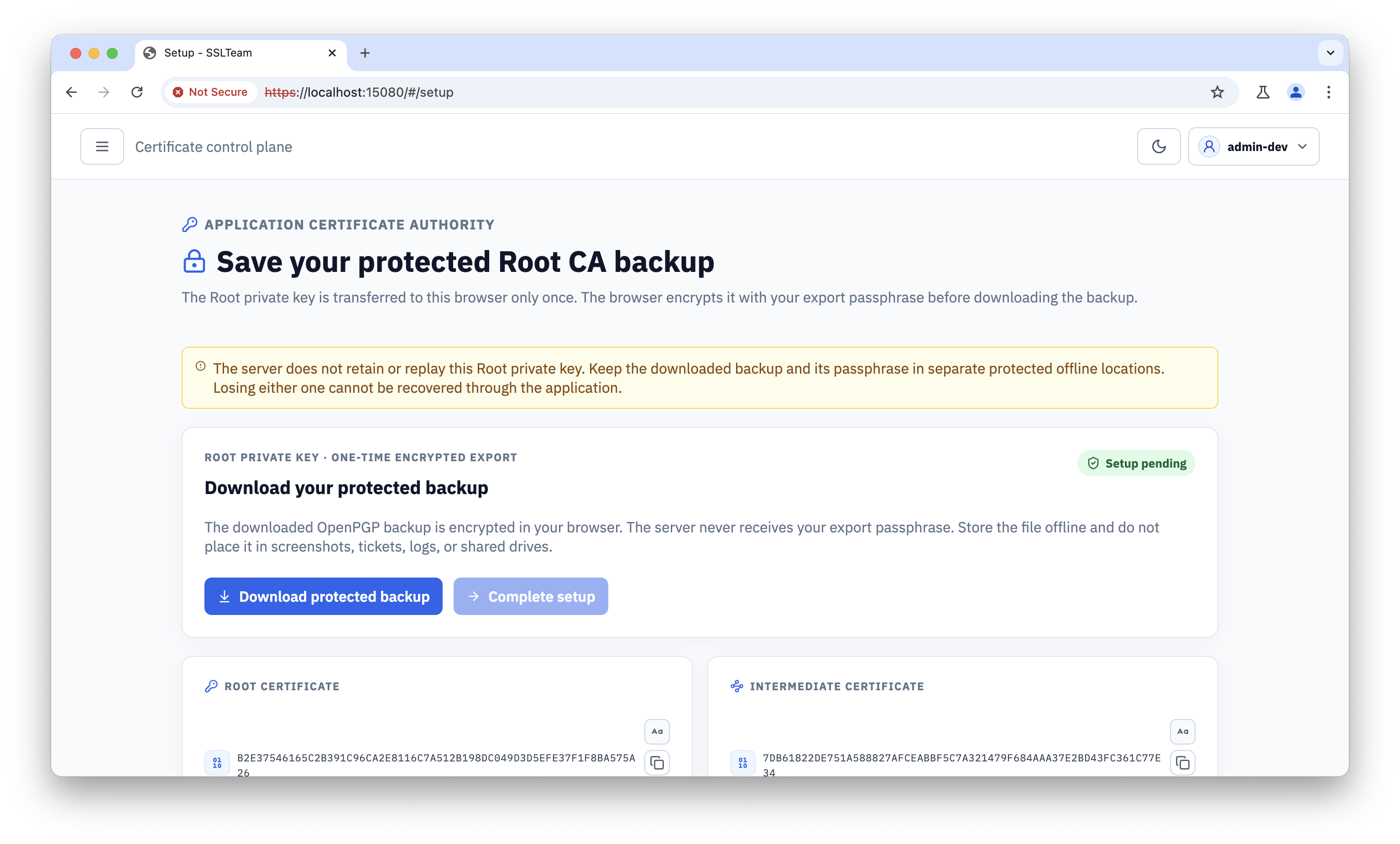
Store the Root backup offline
Download the Root private-key backup and place it in protected offline storage. Limit access, record its storage location, and verify that the recovery process is documented.
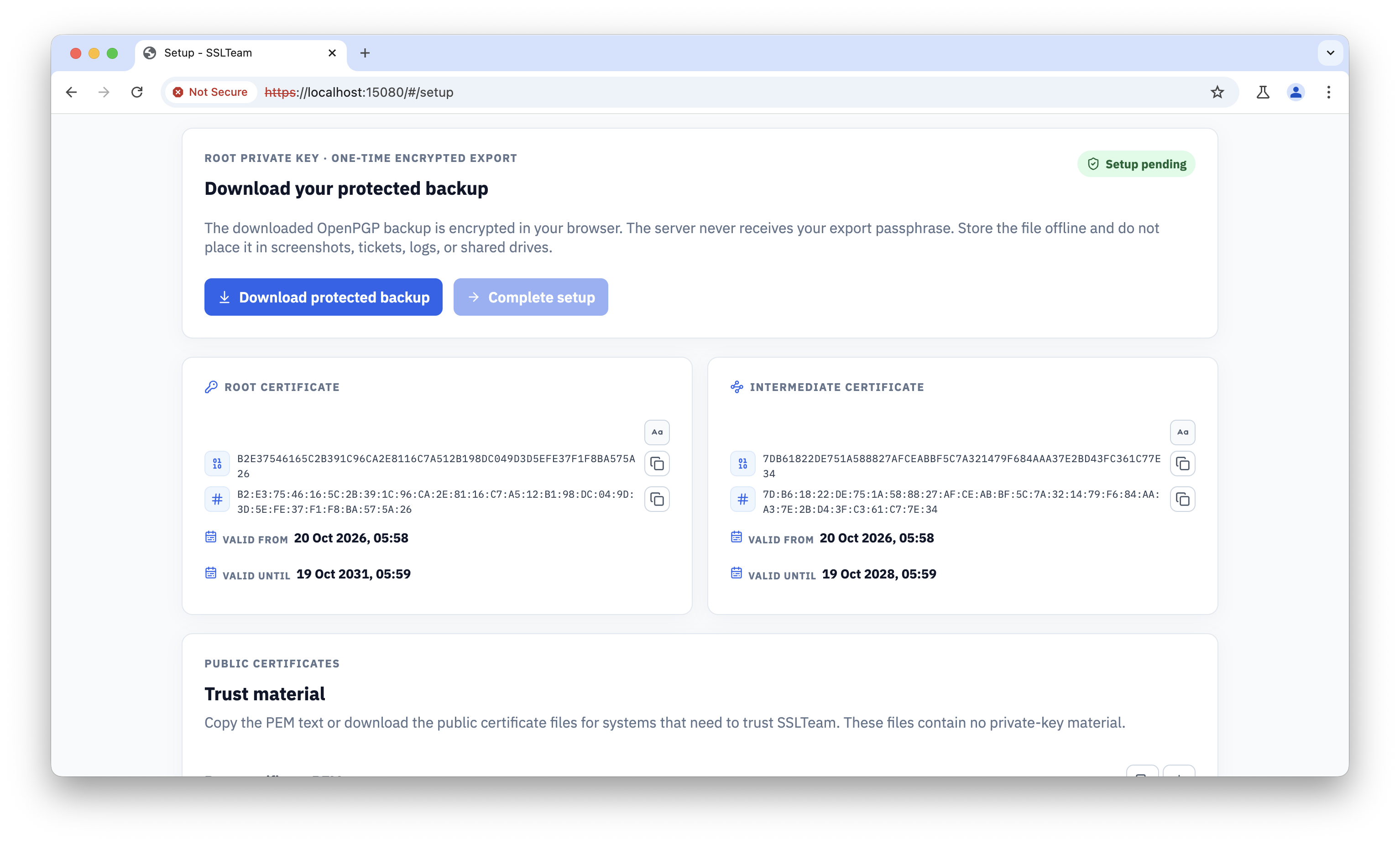
Confirm that the backup operation completed before leaving the setup workflow.
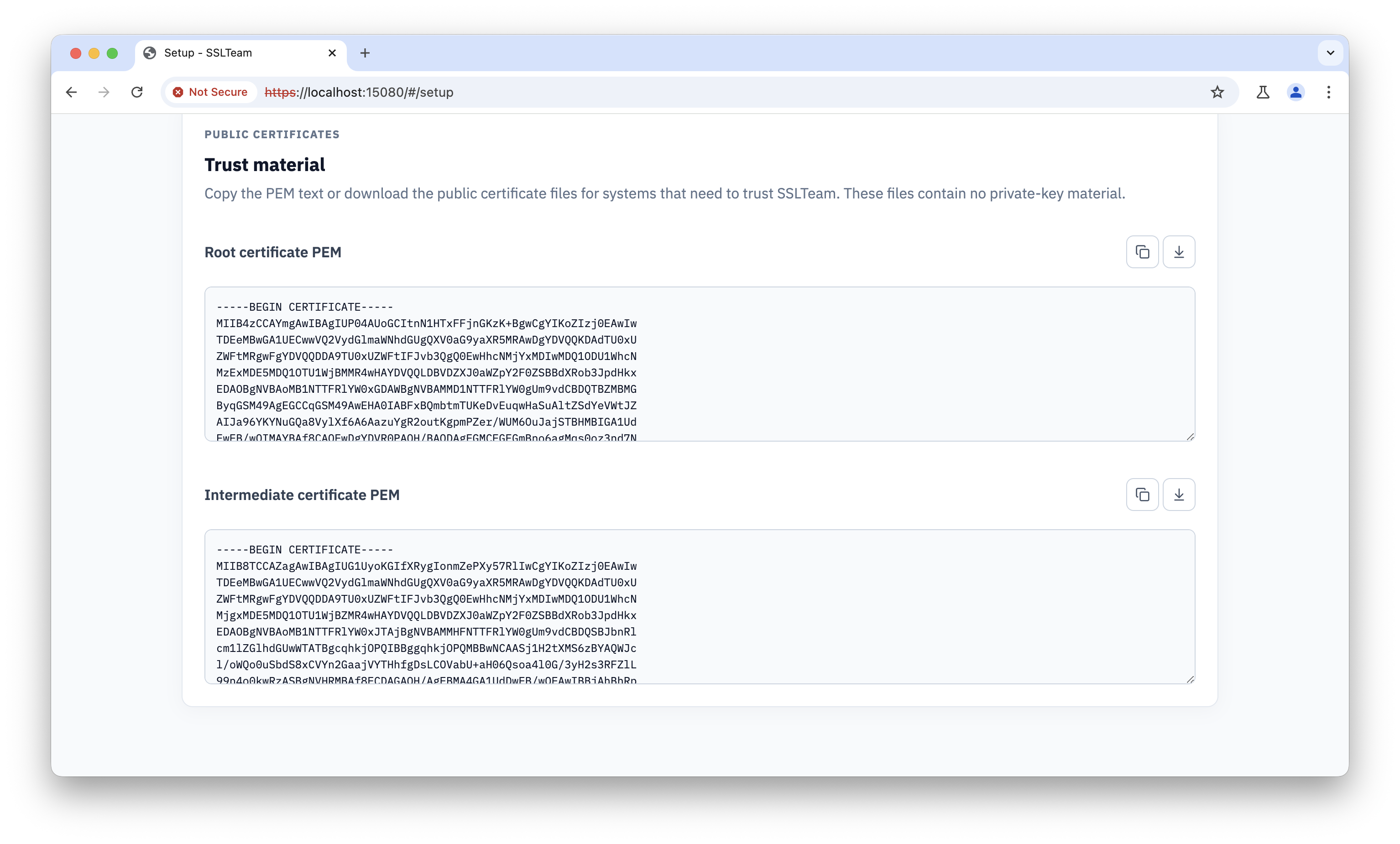
Treat the backup as a signing credential
Anyone who obtains the Root private key can potentially create a trust anchor for the environment. Do not place the backup in source control, a shared download folder, or an ordinary application backup.
Verify the Root and Intermediate
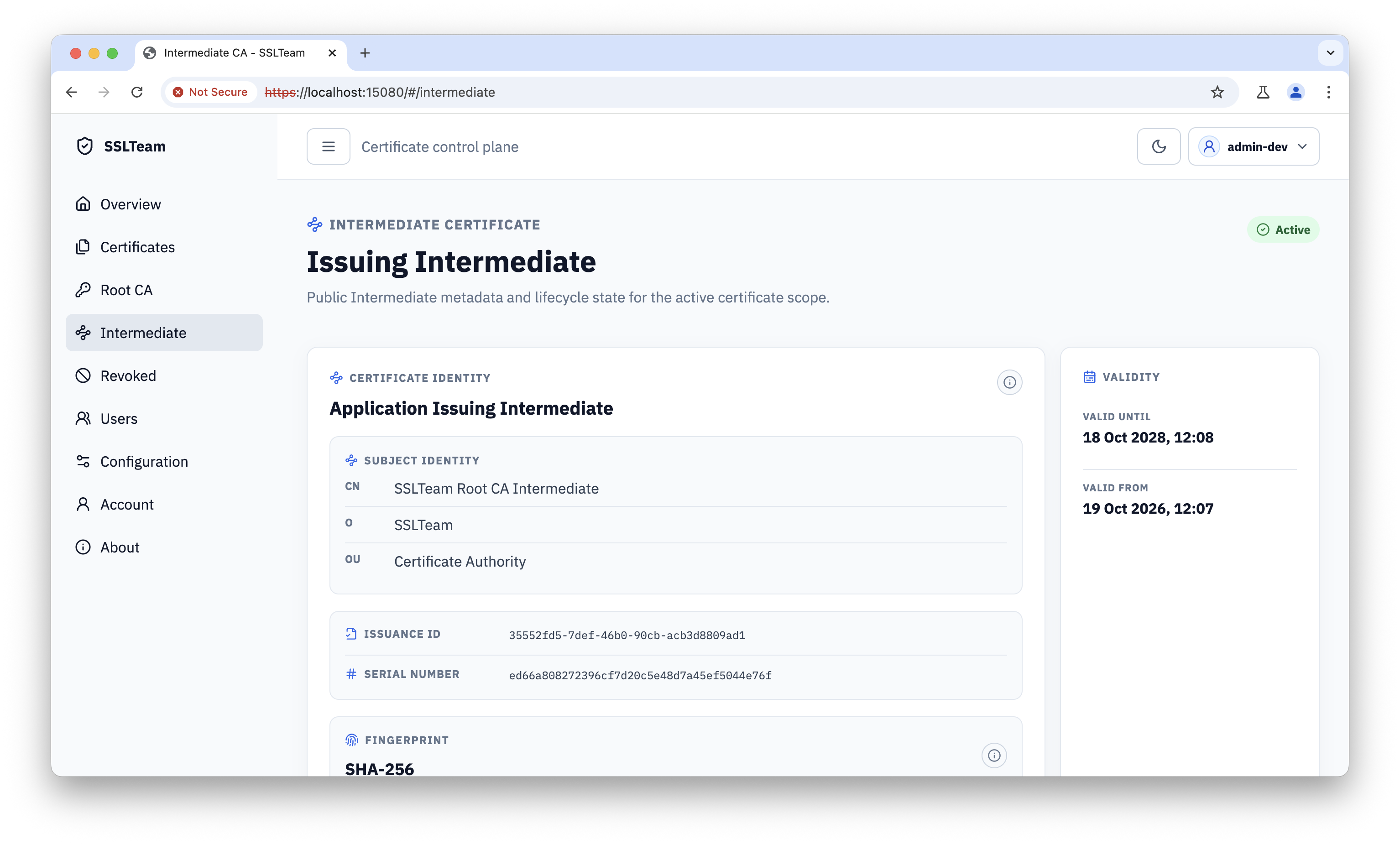
Review the Root details after creation. Confirm the subject, validity dates, serial or fingerprint information, and lifecycle state.
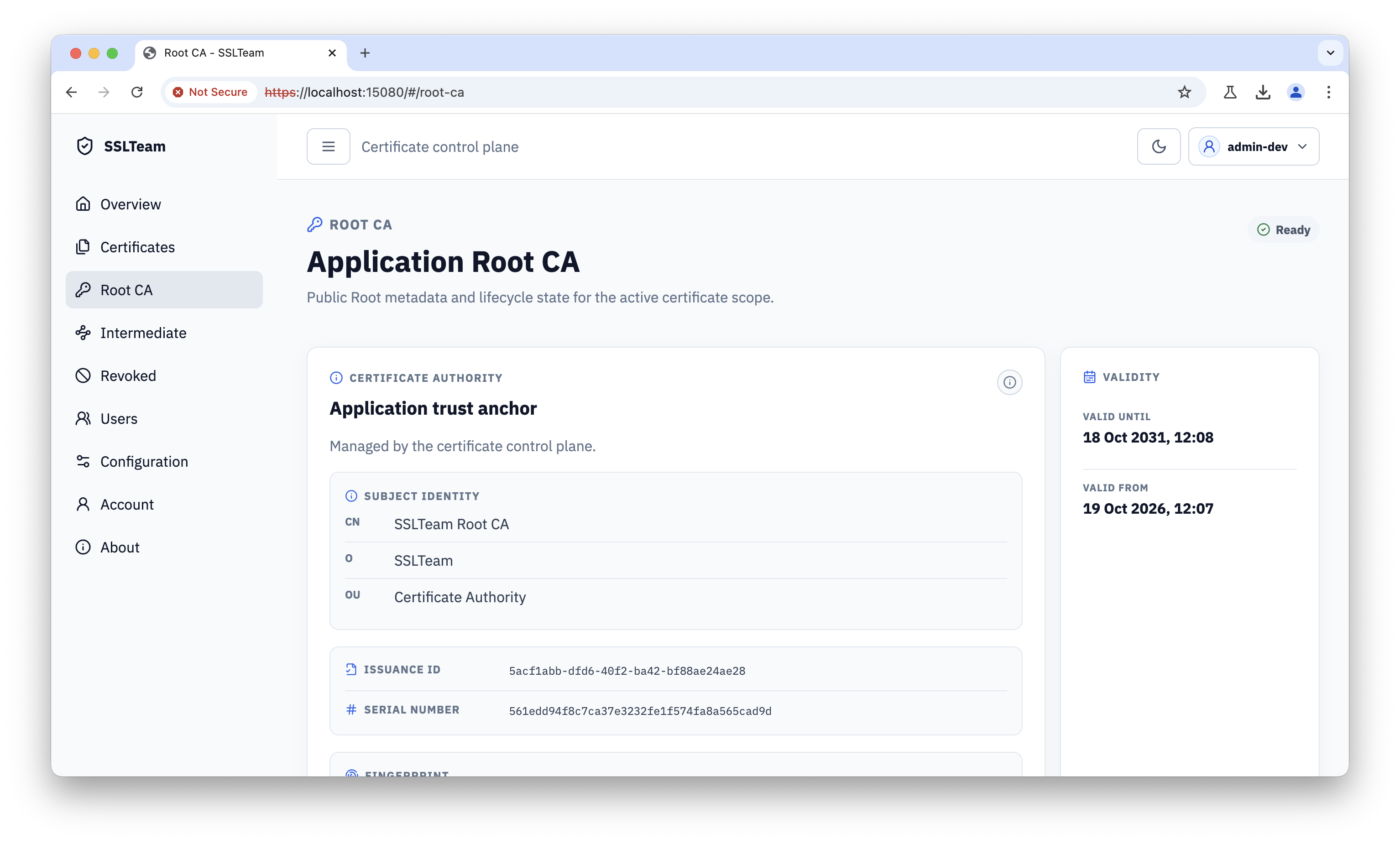
Inspect the Root certificate material separately when preparing trust-store distribution.
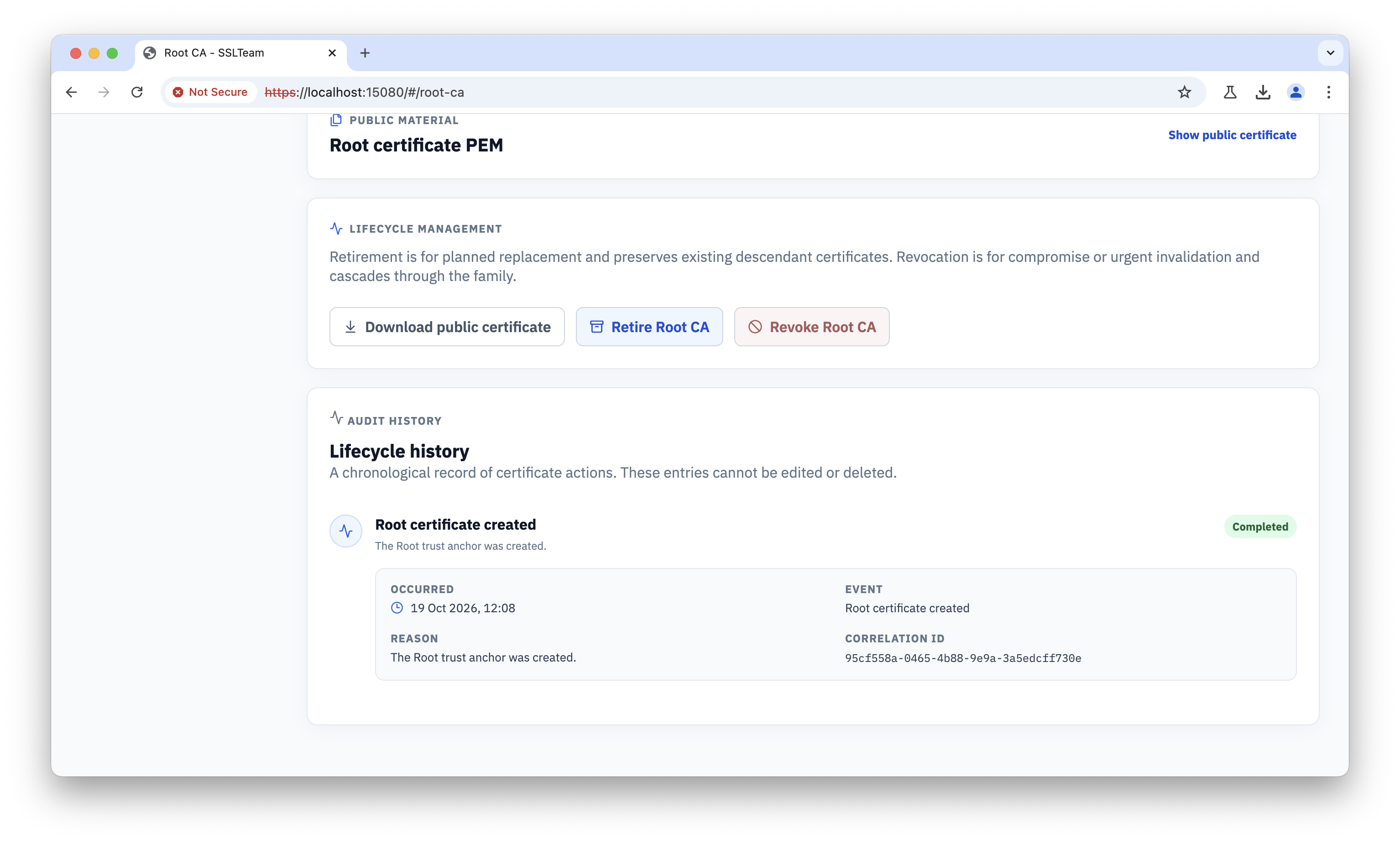
Create or activate the Intermediate used for routine leaf issuance, then review its identity and status.
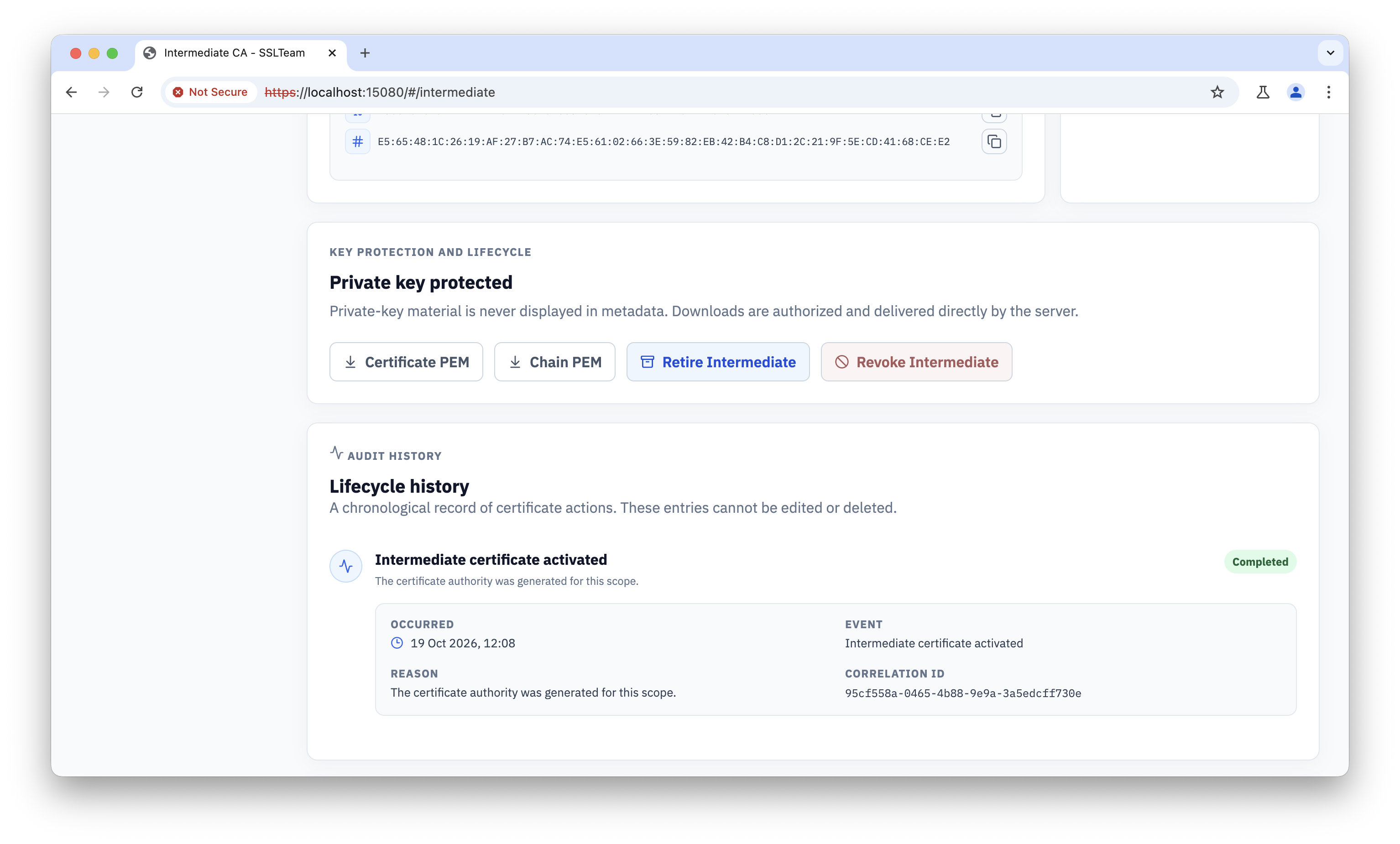
Use the Intermediate certificate material for clients and services that need the issuing chain.
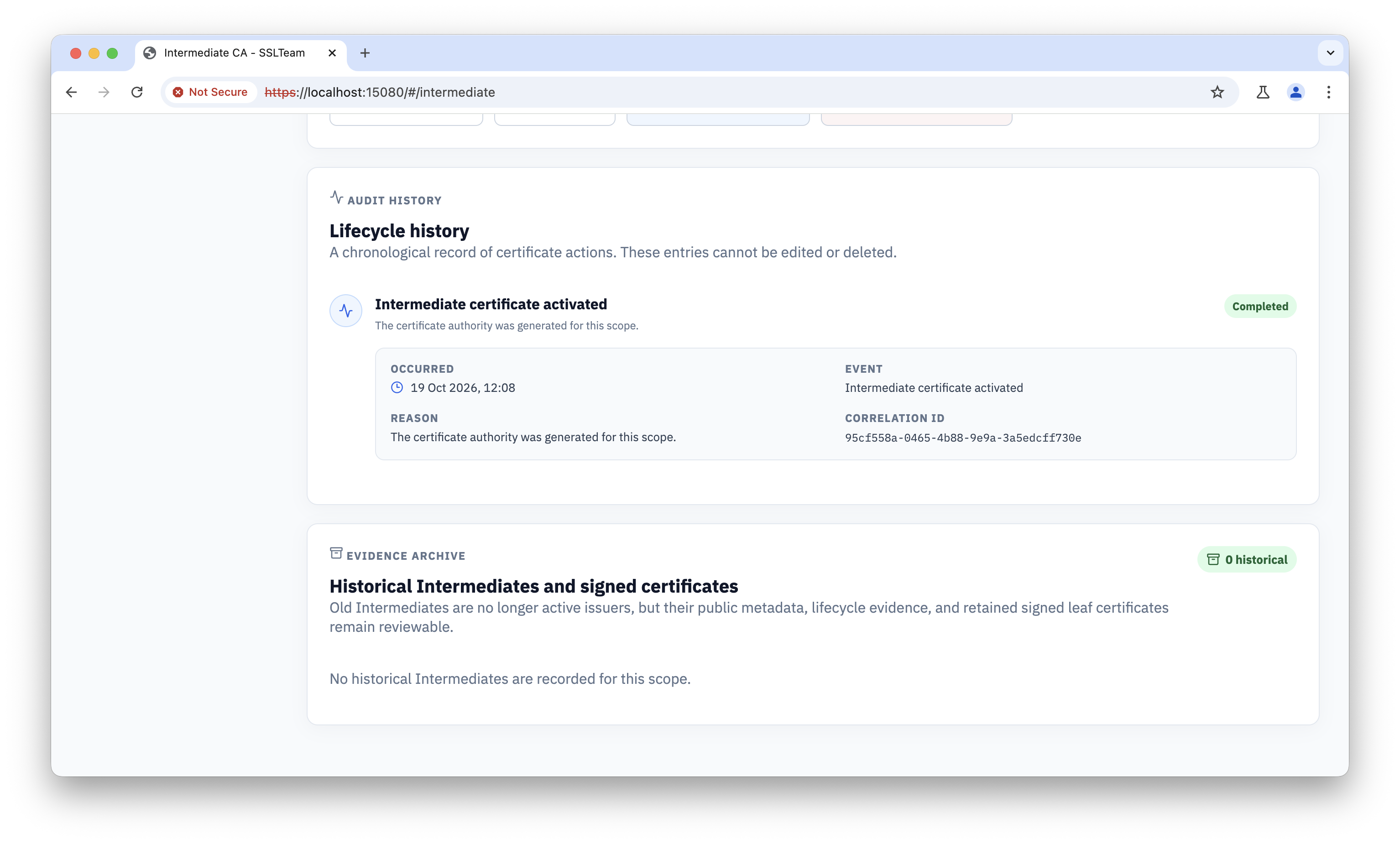
Review the Intermediate audit history after setup so the ceremony has an attributable record.
The Root is the trust anchor. The Intermediate is the operational issuing authority. Keep those responsibilities separate so routine leaf issuance does not require direct Root use.