System Configuration
The system-configuration view provides visibility into the policies and runtime settings used by SSL Teams. Use it to inspect effective values and deployment identity; do not treat the browser view as a substitute for controlled configuration management.
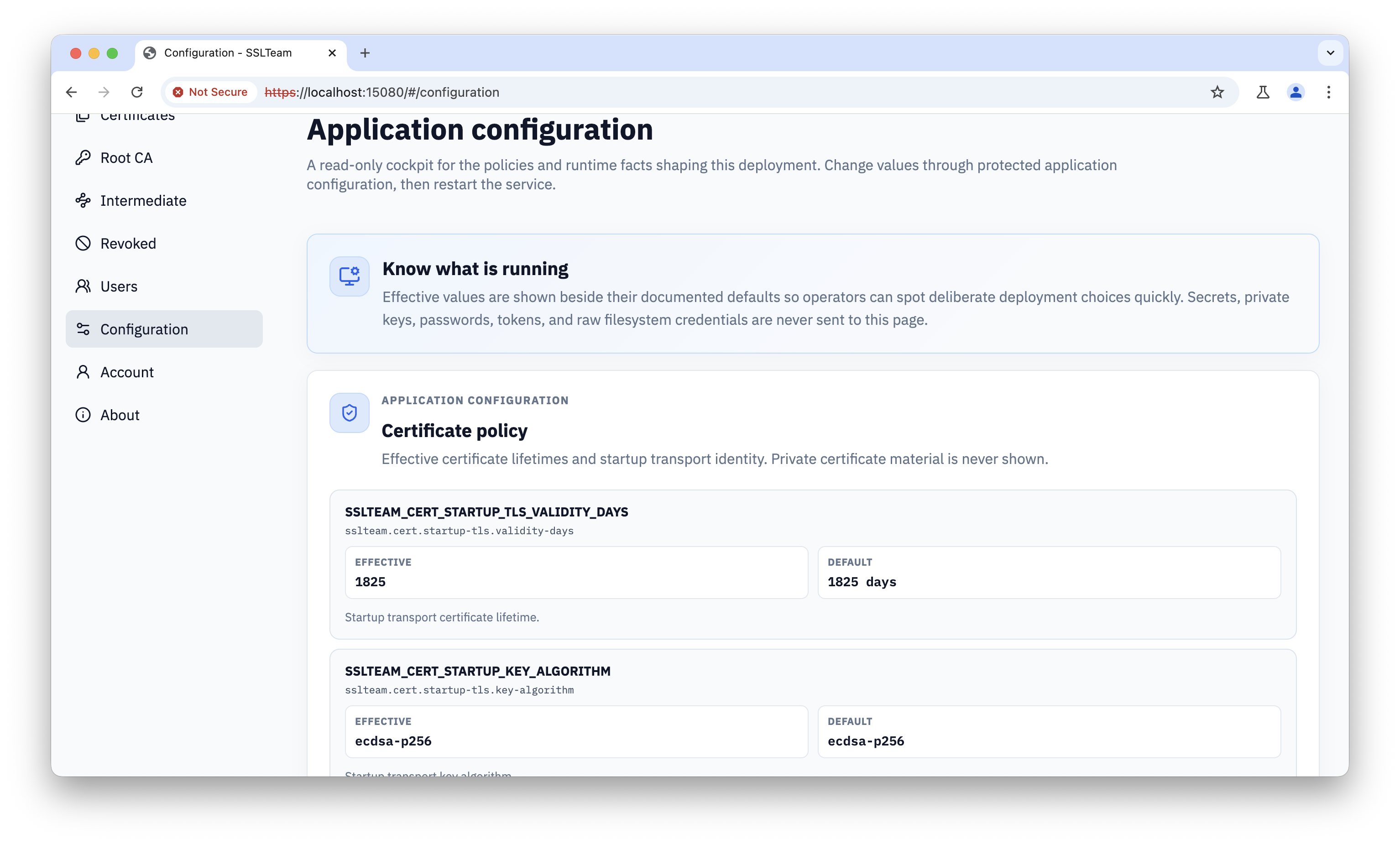
Review application and certificate policy
Confirm the effective application defaults and certificate policy before issuing or renewing certificates.
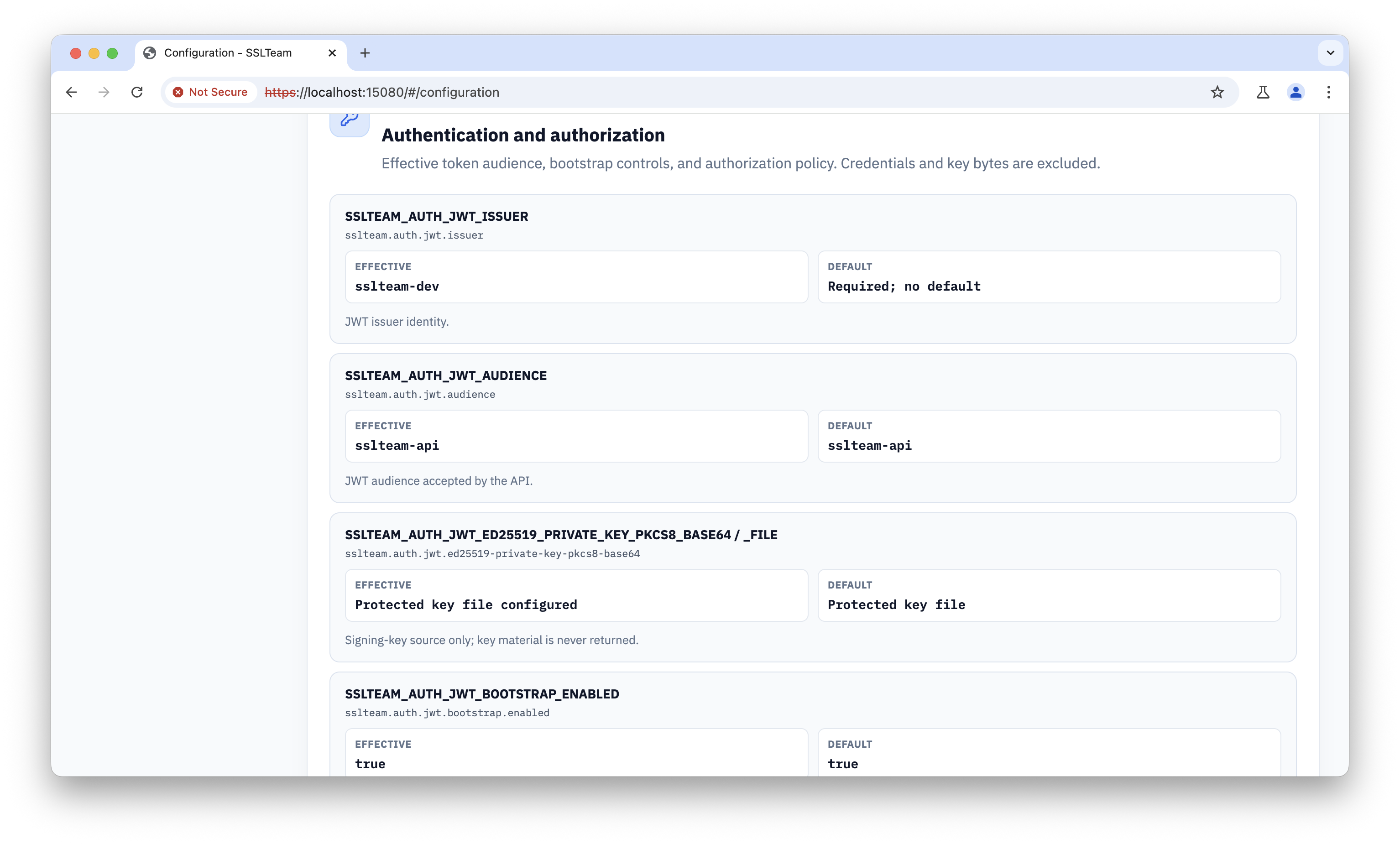
Review authentication and authorization
Inspect the JWT issuer, audience, signing-key source, and bootstrap policy. Keep signing material and deployment secrets outside the browser, source control, and screenshots.
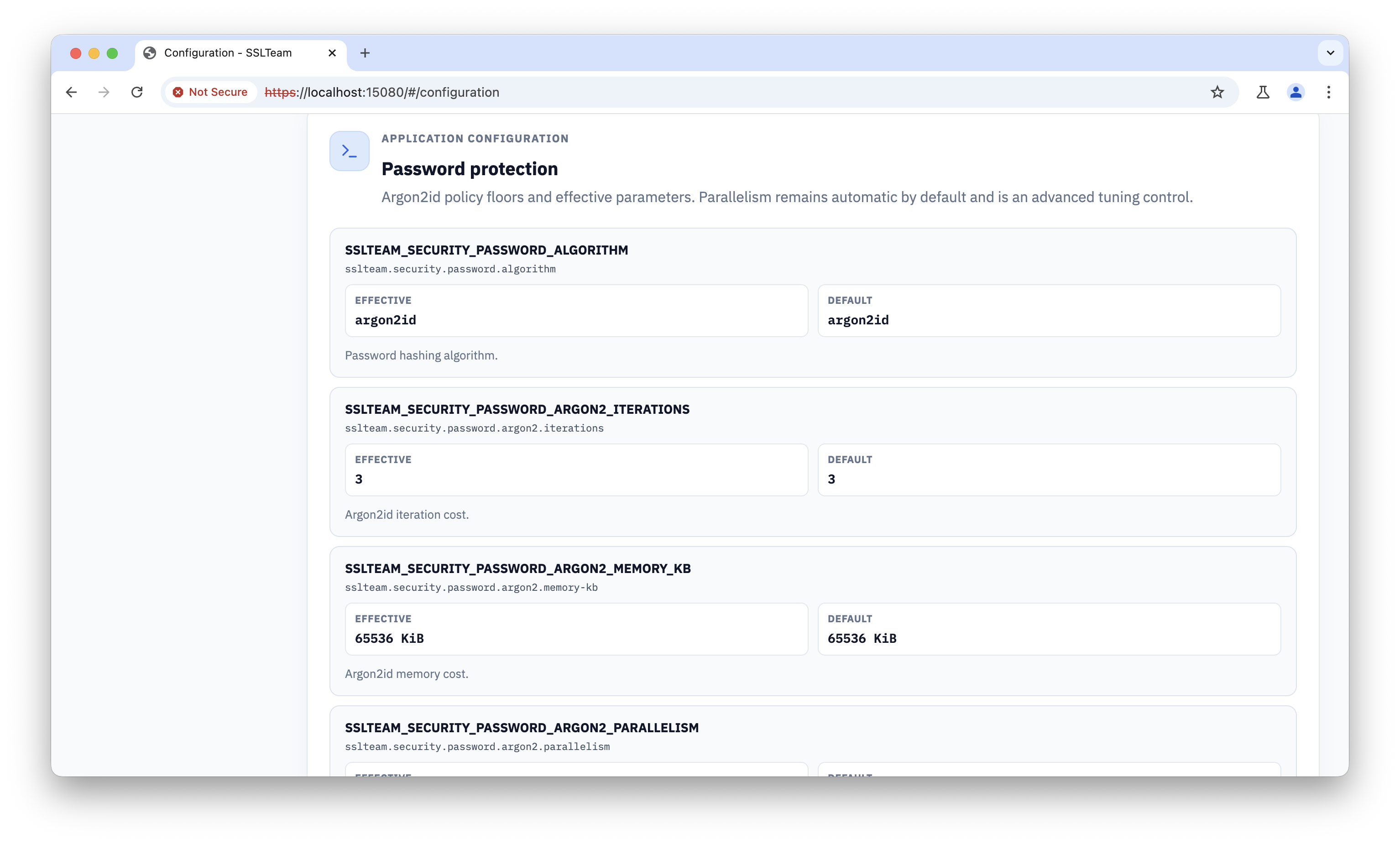
Review password protection
Confirm the password hashing algorithm and cost parameters. These values affect both account security and the resources required during sign-in and credential changes.
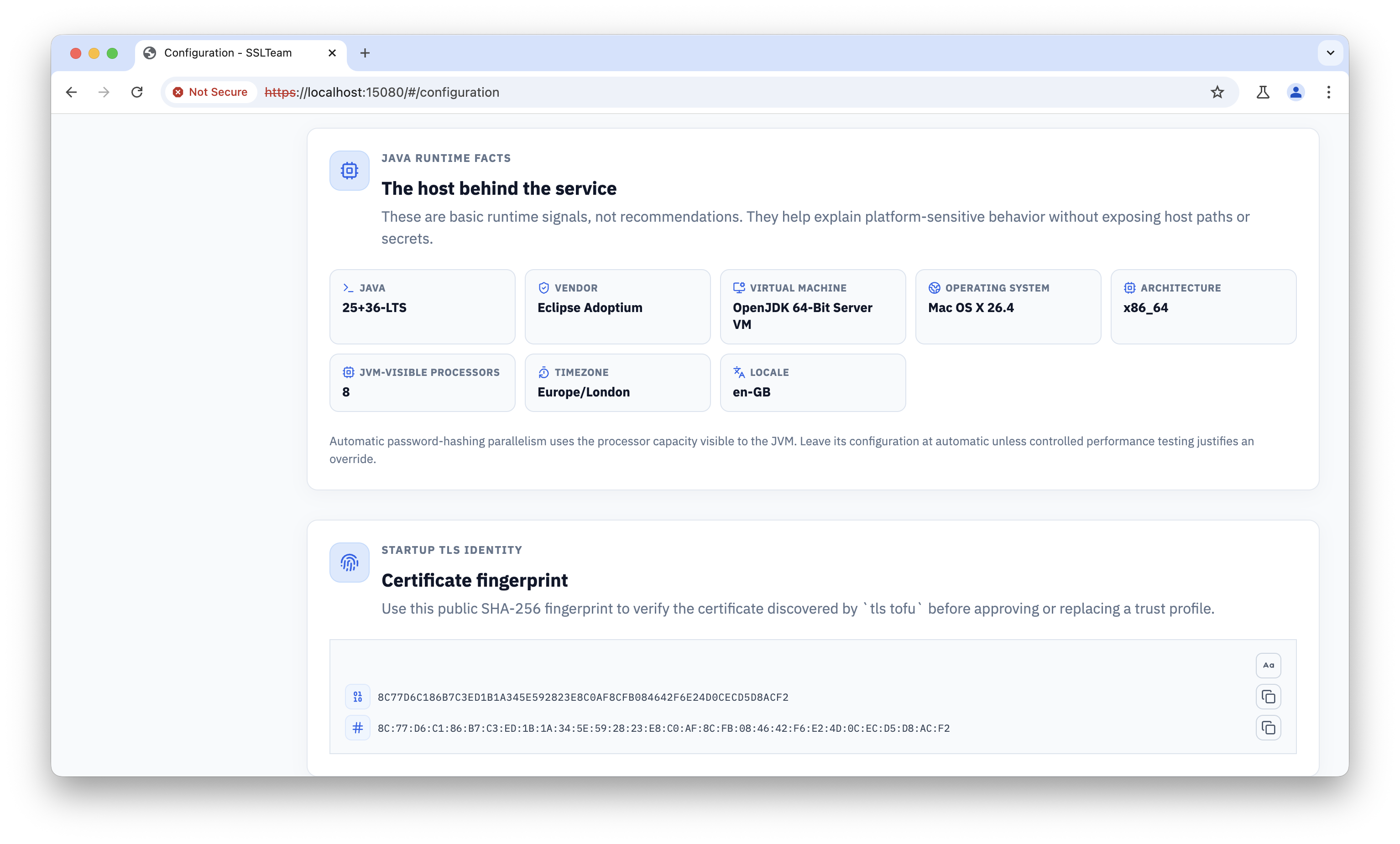
Review runtime and TLS identity
Use the runtime details and public certificate fingerprint when diagnosing deployment differences or verifying the HTTPS identity seen by clients.
Use the deployment configuration and the Deploy With Docker guide as the authority for values supplied at startup. Before changing a security-sensitive setting, record the current value, confirm the effect on active sessions and issued certificates, and plan a validation check.