Leaf Certificate Issuance
Issue leaf certificates from the Intermediate for the exact DNS names and IP addresses that the target service must present. Avoid broad or unused identities.
Start a certificate request
Open the new leaf-certificate action and confirm that the correct Intermediate and issuance context are selected.
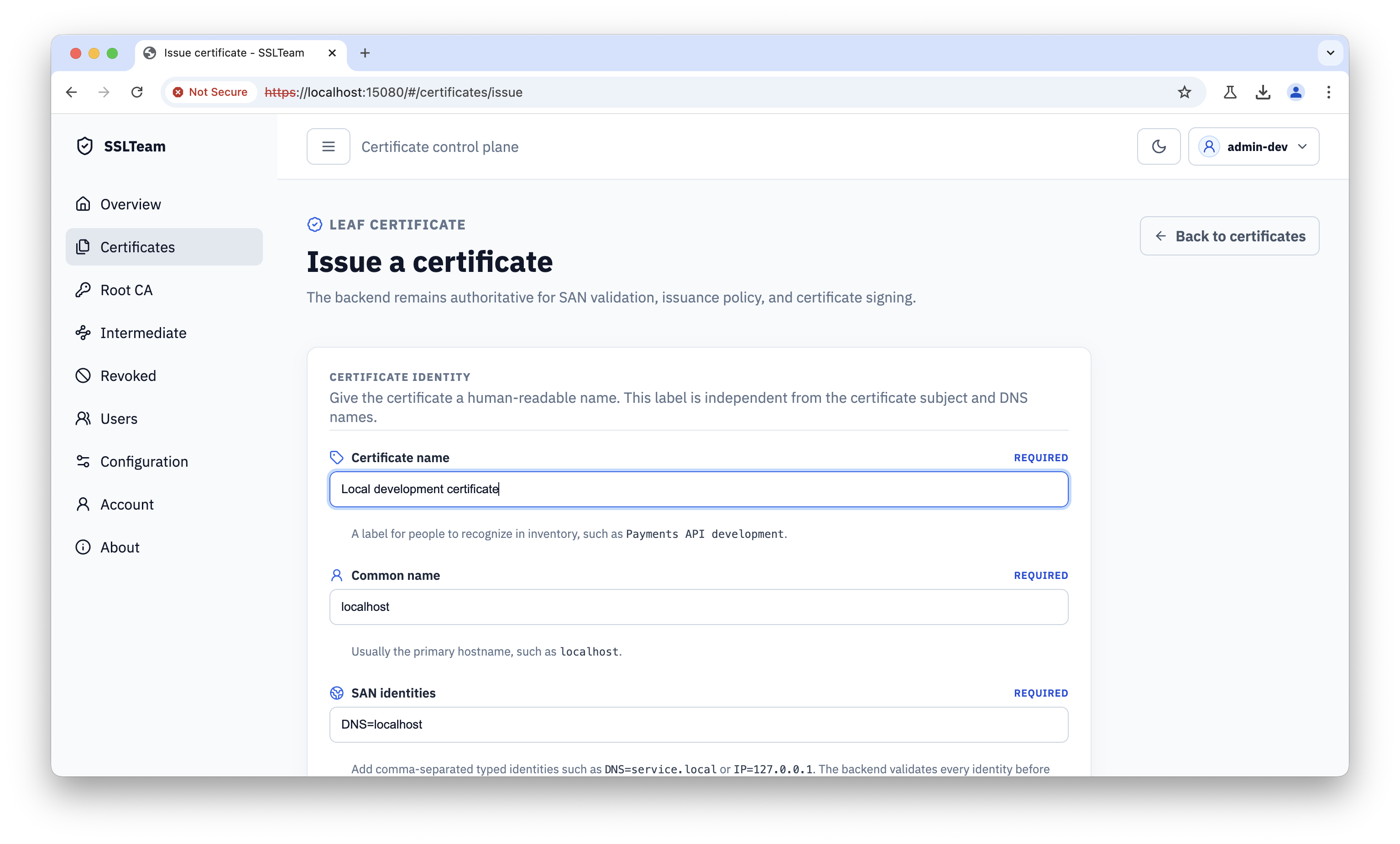
Enter the certificate identity and requested Subject Alternative Names (SANs). Include every DNS name or IP address that clients will use, and verify spelling before issuing.
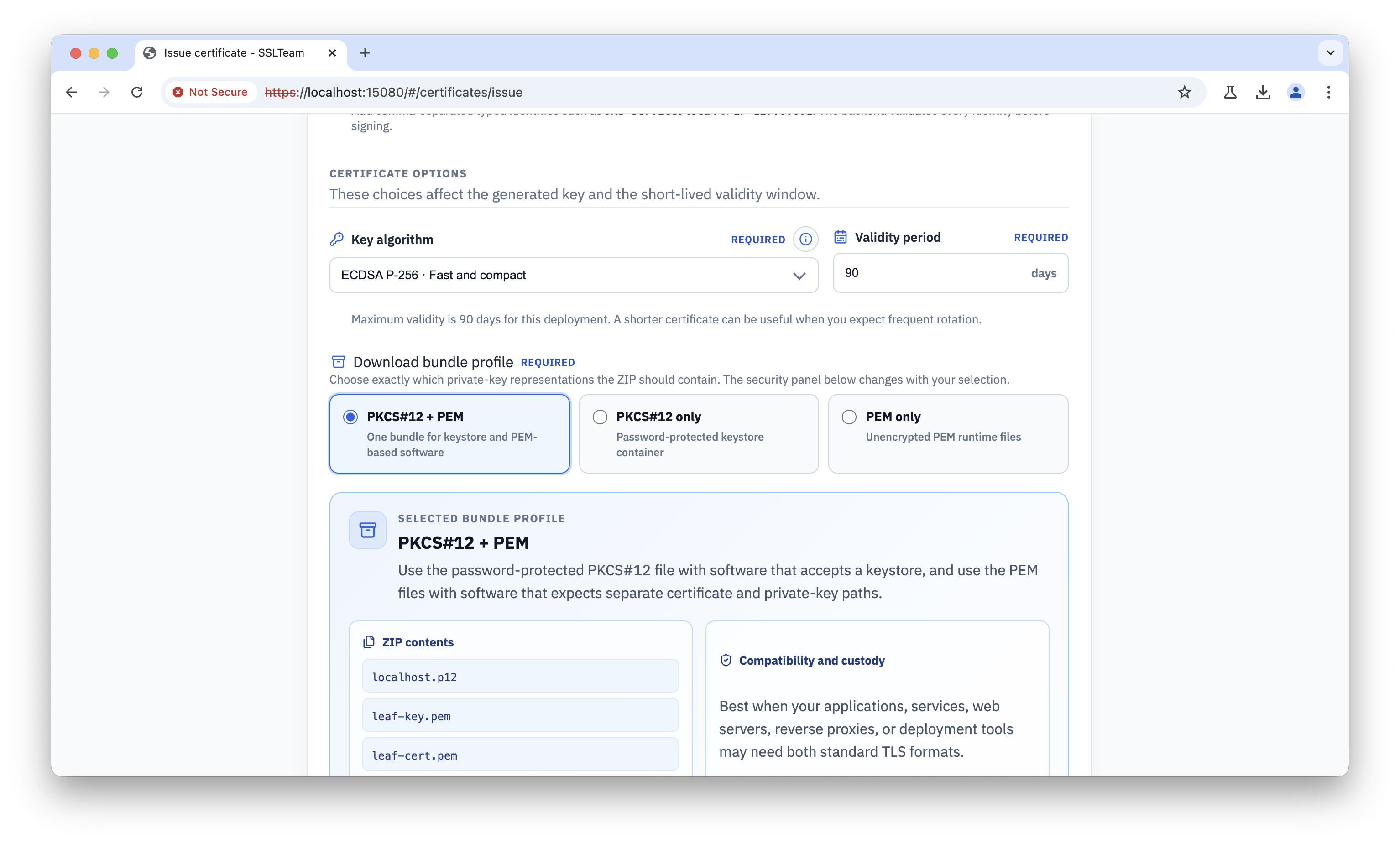
Select the output format
Choose an output profile based on the target runtime:
| Profile | Use |
|---|---|
PKCS12_ONLY |
Password-protected PKCS#12 keystore, suitable for Spring Boot and Tomcat |
PEM_ONLY |
PEM certificate and private key, suitable for PEM-based runtimes such as Quarkus |
BOTH |
Produces both formats; keep the unencrypted PEM private key out of source control, logs, shared artifacts, and unprotected directories |
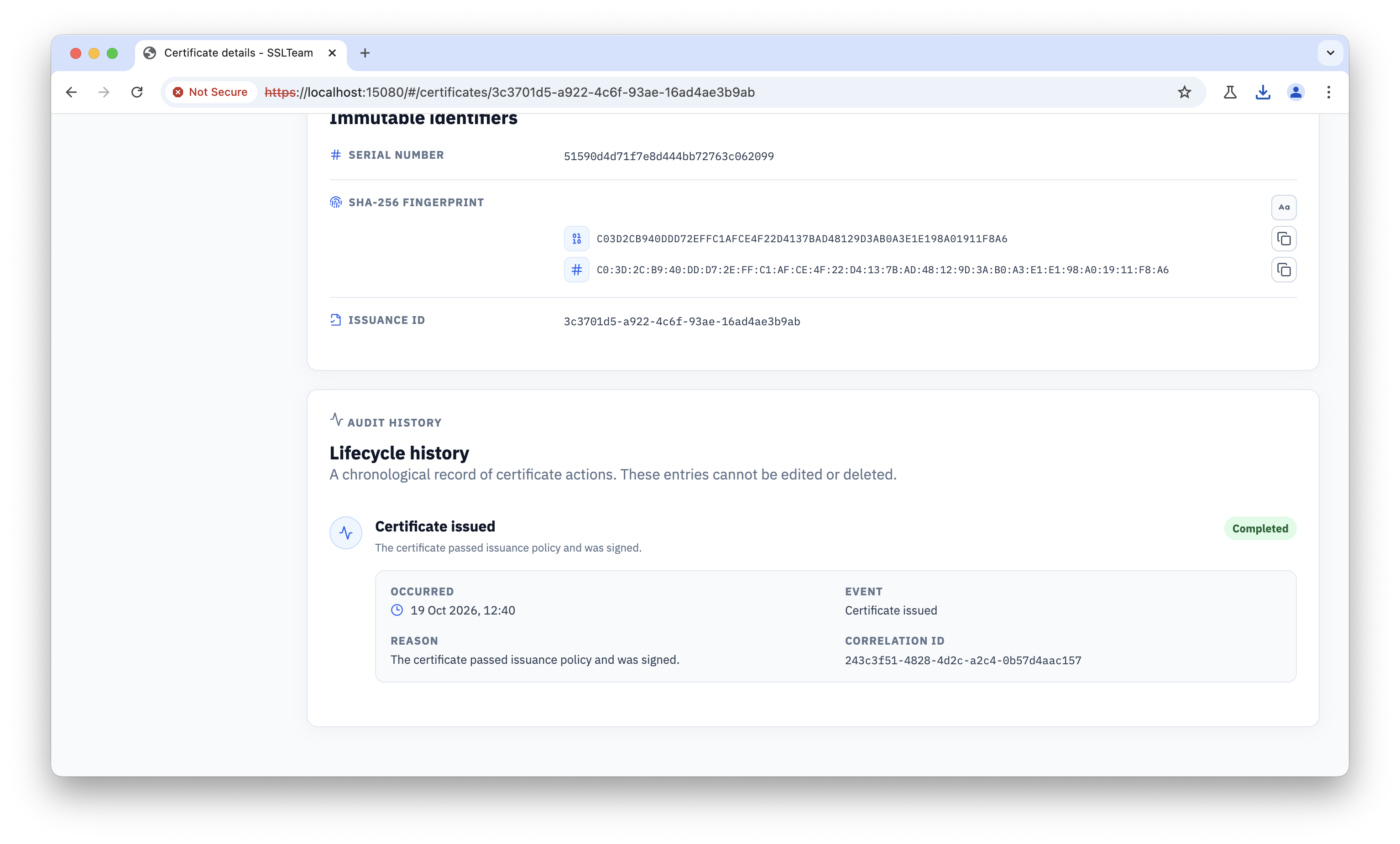
When the selected profile creates a password-protected archive, enter a strong delivery password and transfer it separately from the downloaded file. Do not store an unencrypted private key or archive password in source control, logs, or shared artifacts.
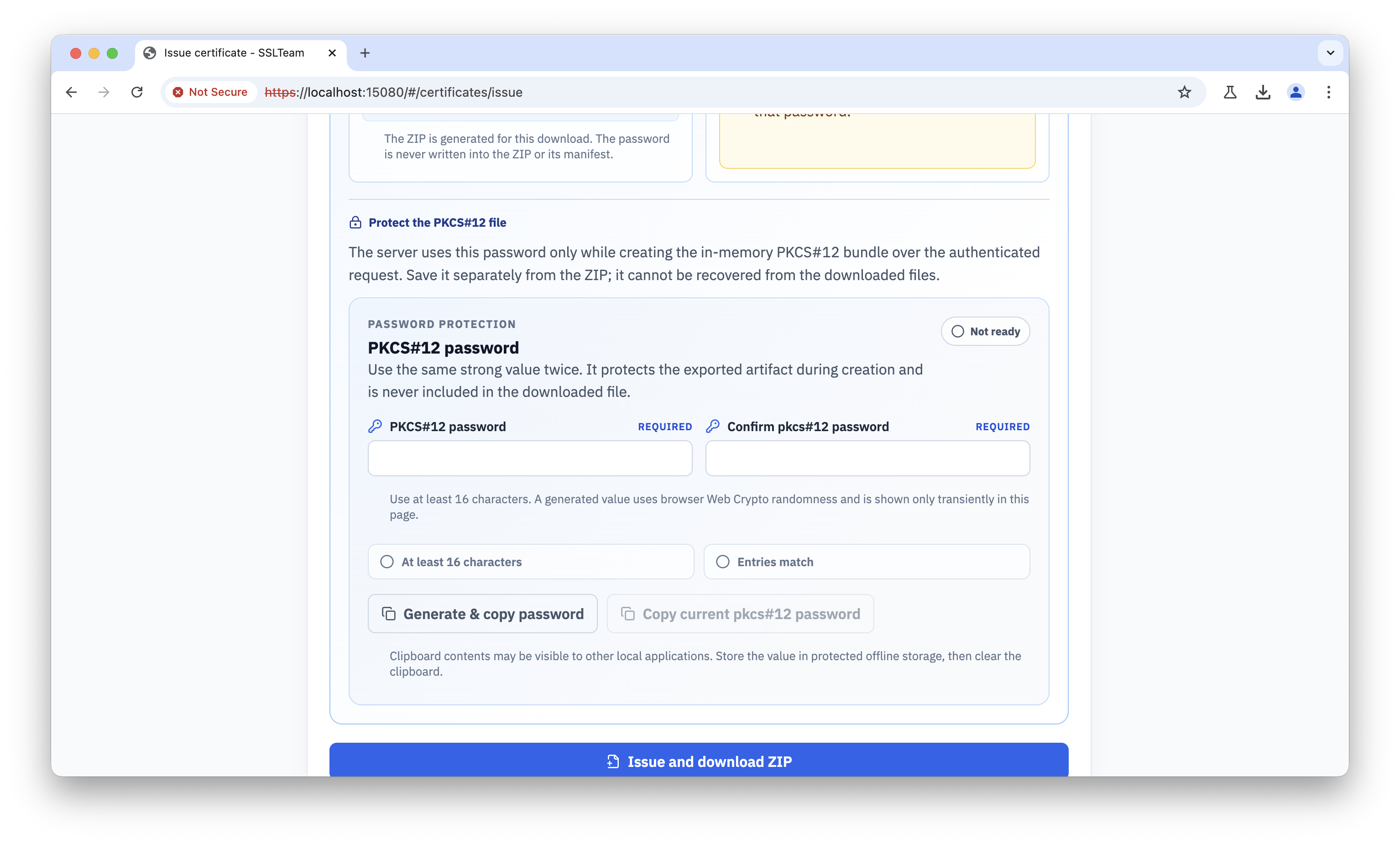
Verify and distribute the certificate
After creation, review the certificate details. Confirm the subject, SANs, issuer, validity period, and lifecycle state before distributing the artifact.
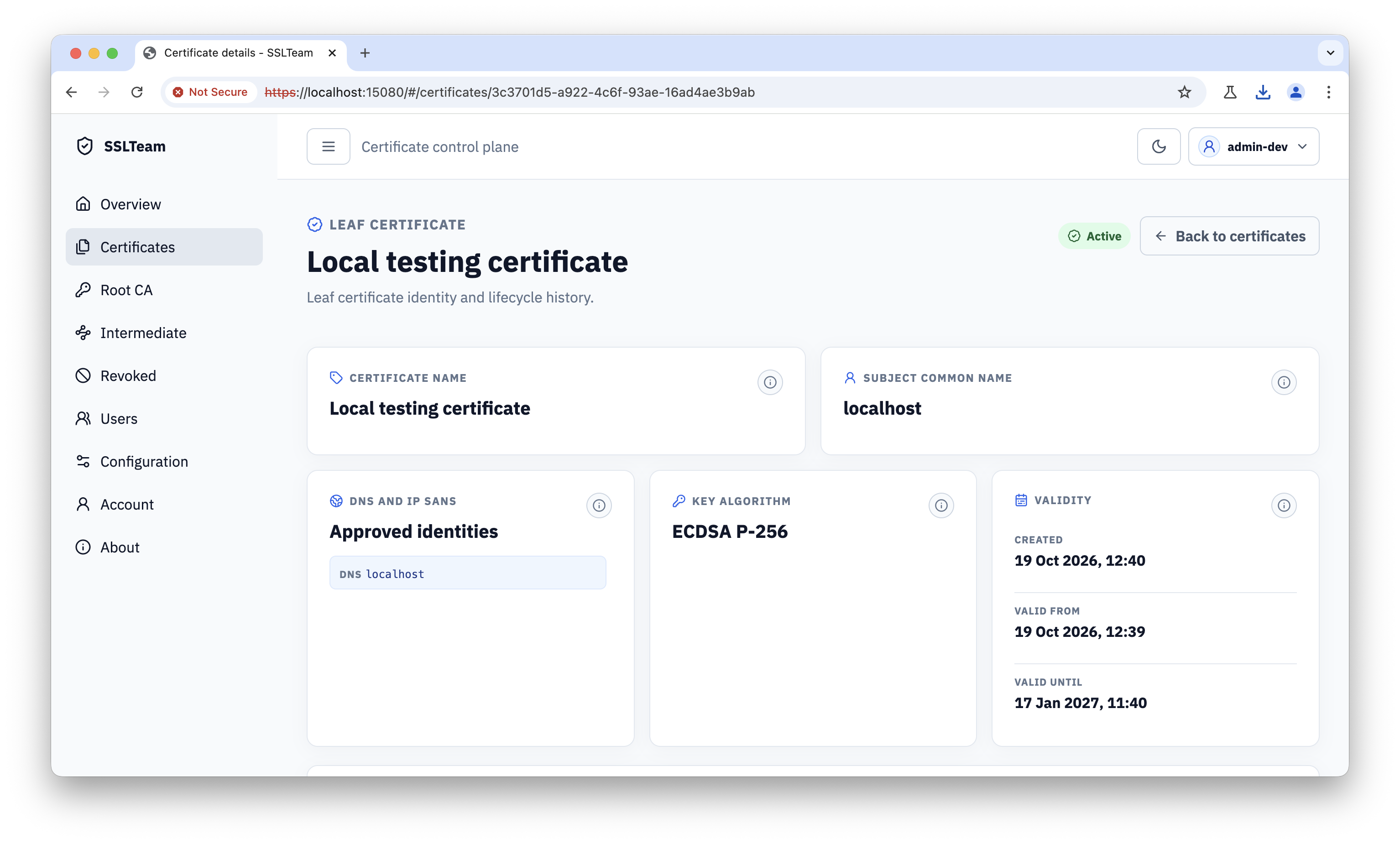
Keep private keys and keystore passwords protected. Distribute the public certificate chain and trust material according to the target application’s requirements. The Spring Boot 4 HTTPS Demo and Quarkus 3.33 HTTPS Demo show the two common output paths.